Need your stencil physically made? Cuttalo.com offers professional laser cutting in 20+ materials.
Need your stencil physically made? Cuttalo.com offers professional laser cutting in 20+ materials.
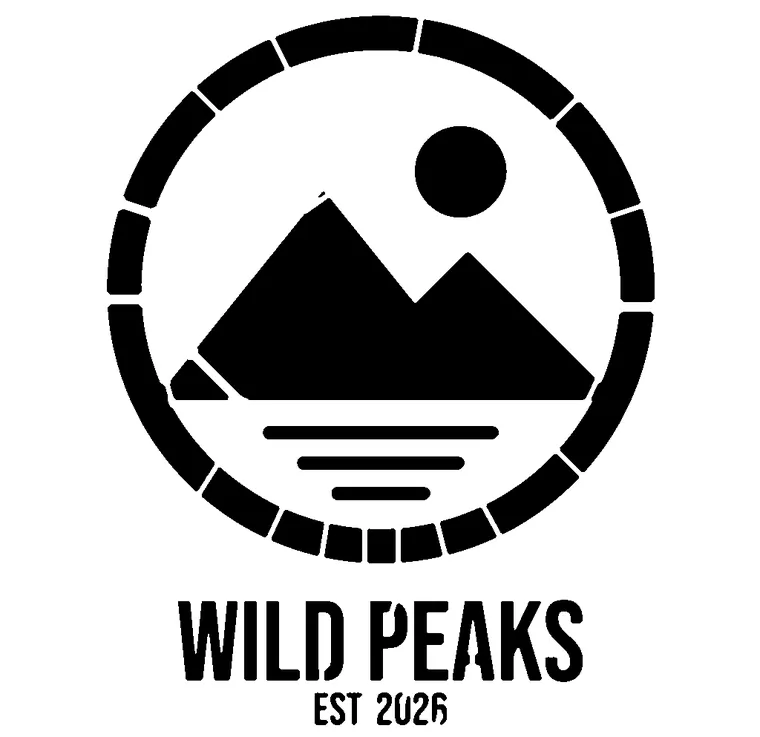
These are real images run through the maker, with the bridges already in place. Open one and you land in the maker with the work already started.
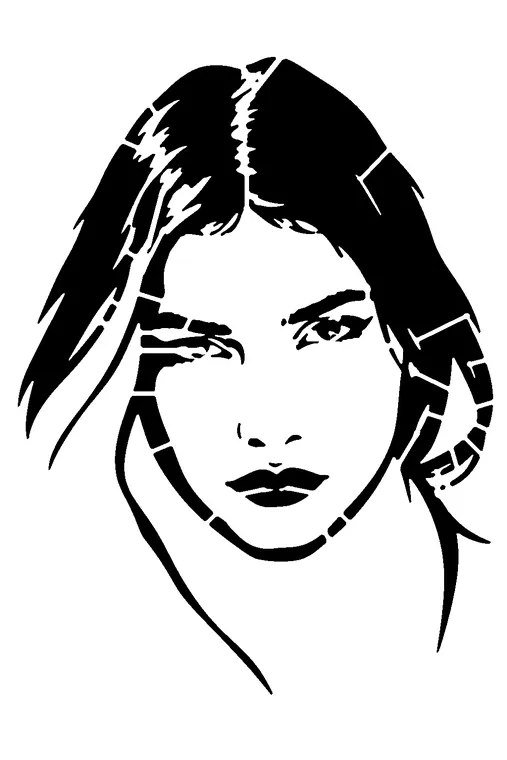
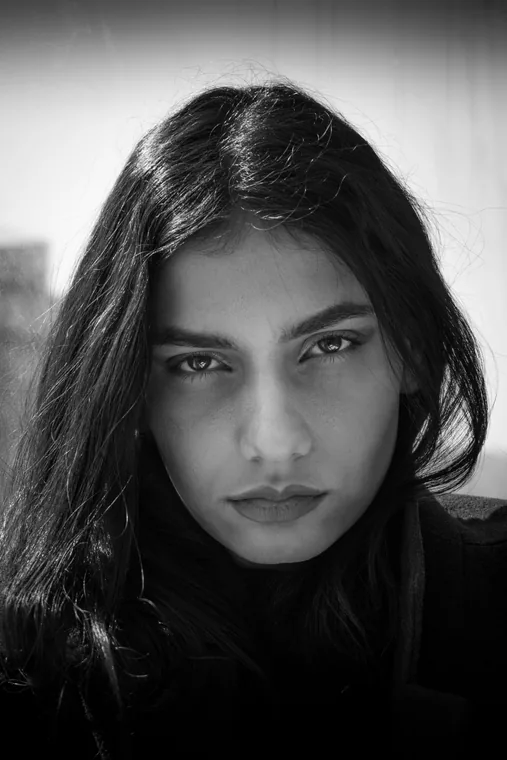
For each one: the starting image, the AI step when it helps, and the finished stencil.
Photo
Opens with the AI result already computed: no credits for the example.
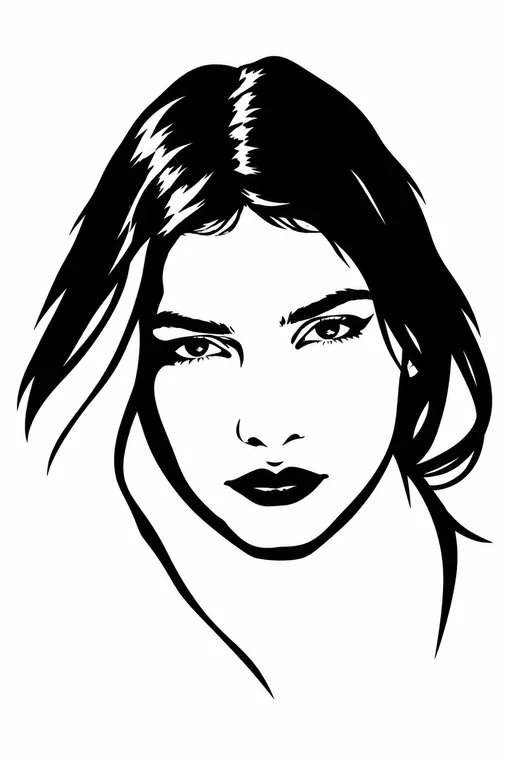
The examples bring you in with the work already started. From there you can go back to any step.
Image. Upload a photo, a drawing or a logo.
AI. If it helps, the AI cleans up the photo and reduces it to a few clear tones.
Black & white. Pick the threshold; on a dark background you decide whether to invert.
Stencil. The maker adds bridges so the loose parts stay attached.
Touch-up. In the Vector Studio you move, remove or add bridges by hand.
Final. Check how well it holds together and choose how to download.
Touch-ups happen in the Vector Studio, which opens in a few seconds, on a phone too.
28 seconds, no sound: Hokusai's Great Wave, from the photo to the cut sheet.
Trying is free, even without an account. Free low-resolution PNG preview, we just ask for your email: it's for checking, not for cutting.
To download the SVG and HD PNG: a subscription with downloads included, or a single purchase. Credits are for the AI.
A photo, a drawing or a logo, up to 20 MB.
Photo
Opens with the image: you pick the black and white, and whether to invert it.
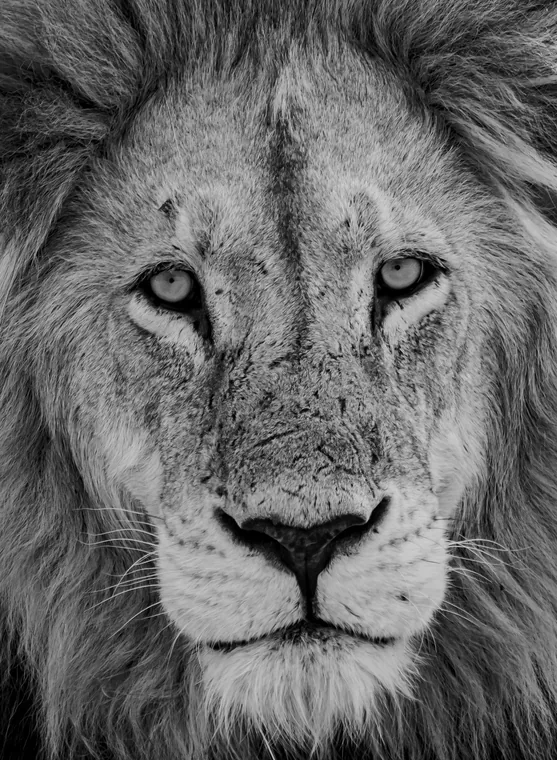
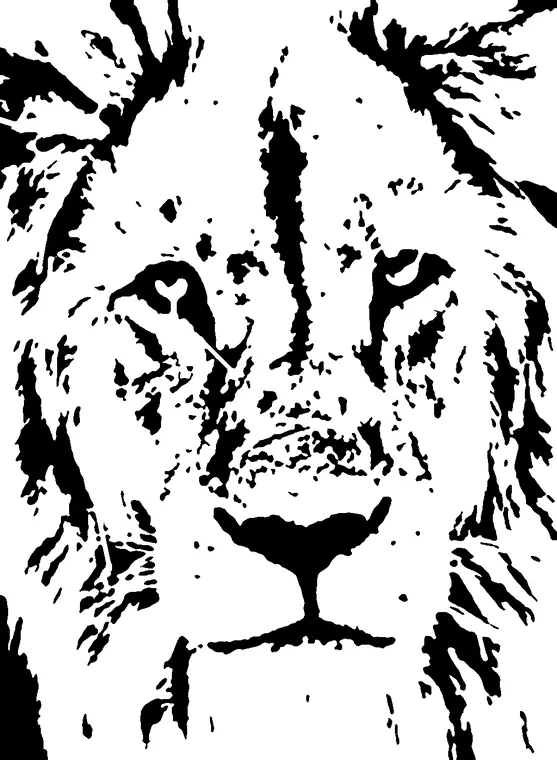
Lettering
Opens with the image: you pick the black and white, and whether to invert it.
Our own image
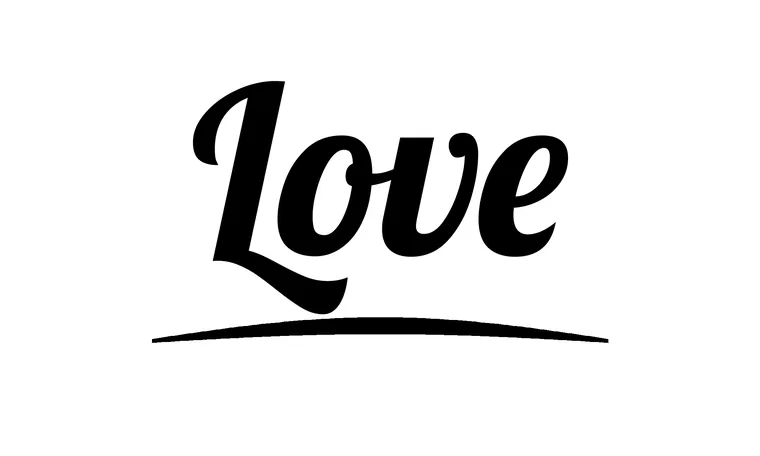
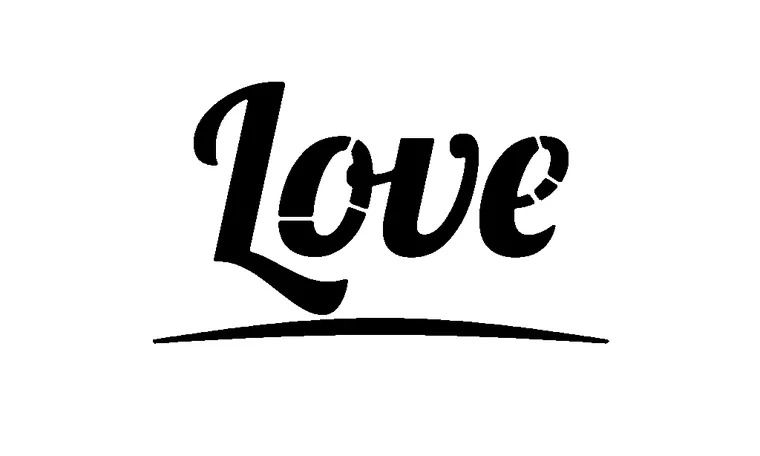
Photo
Opens with the AI result already computed: no credits for the example.
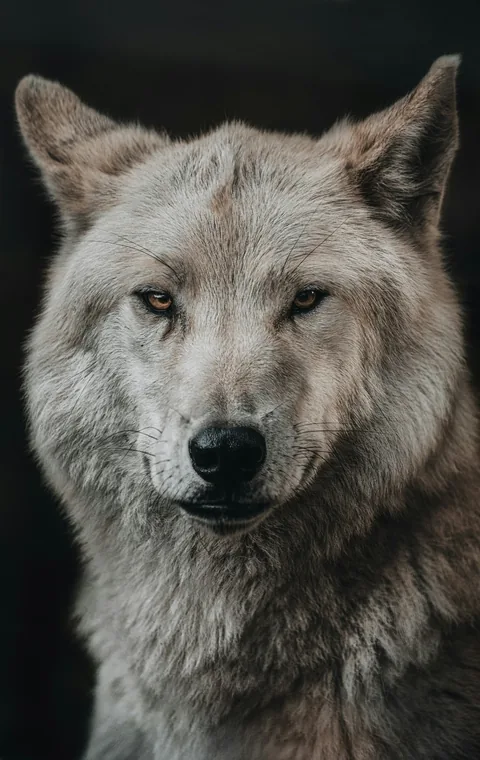
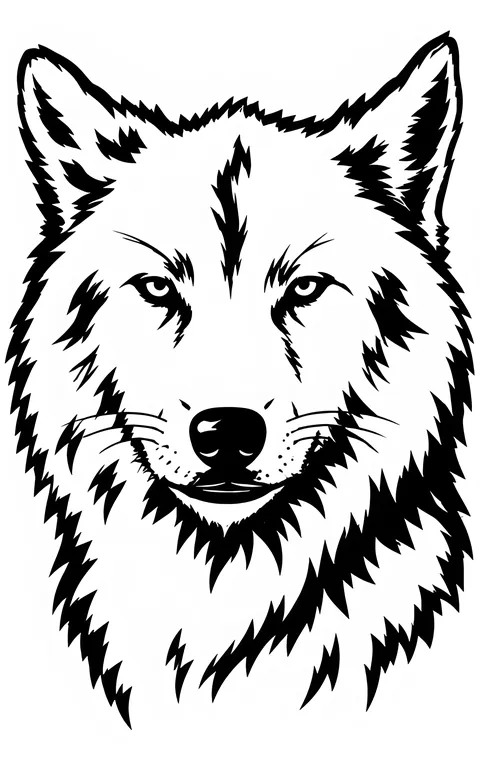
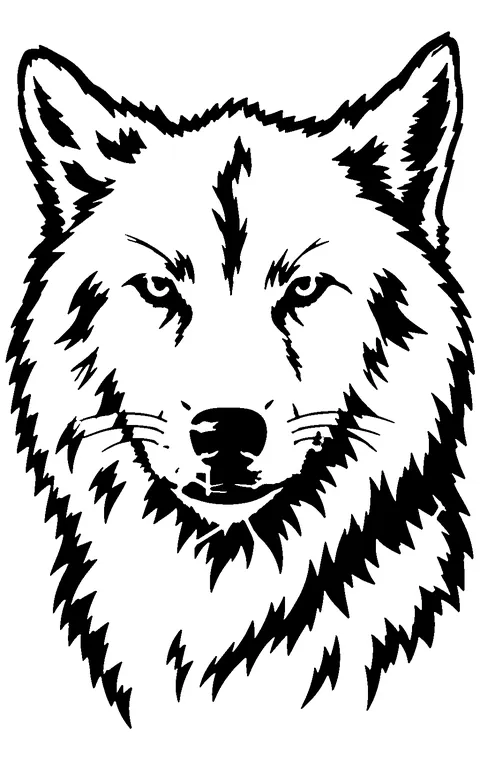
Photo
Opens with the AI result already computed: no credits for the example.
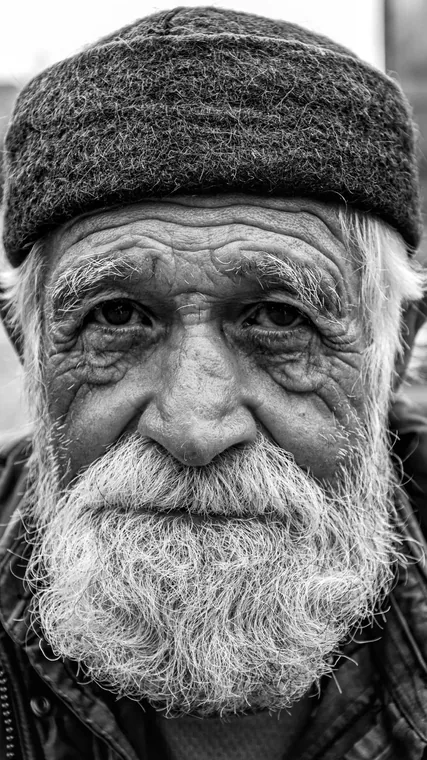
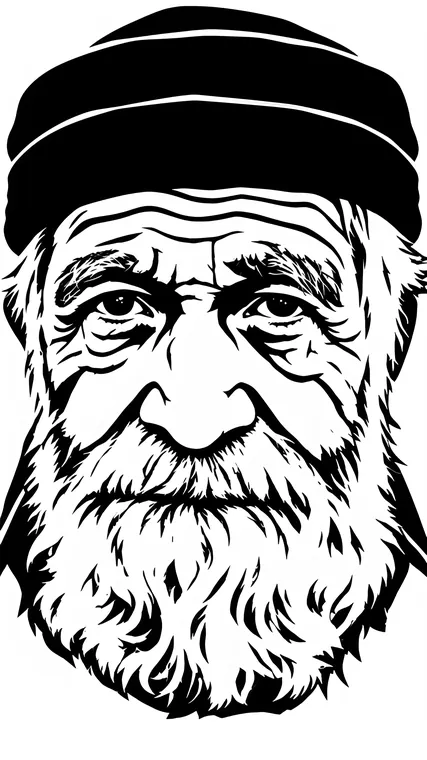
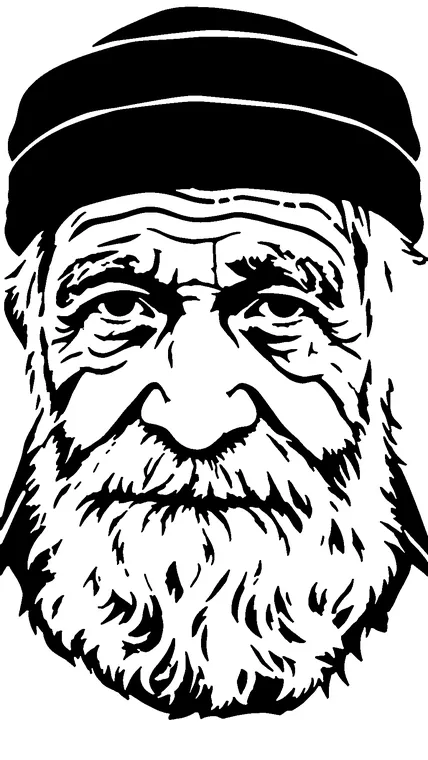
Illustration
Opens with the image: you pick the black and white, and whether to invert it.
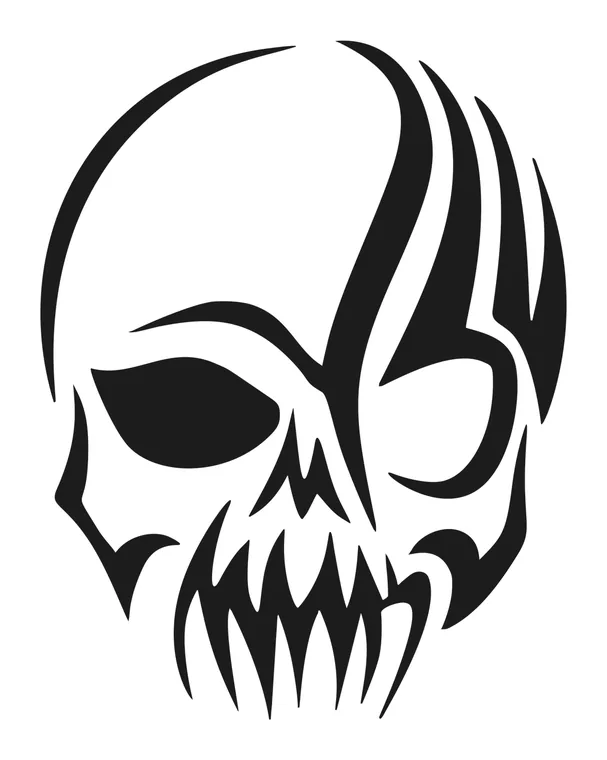
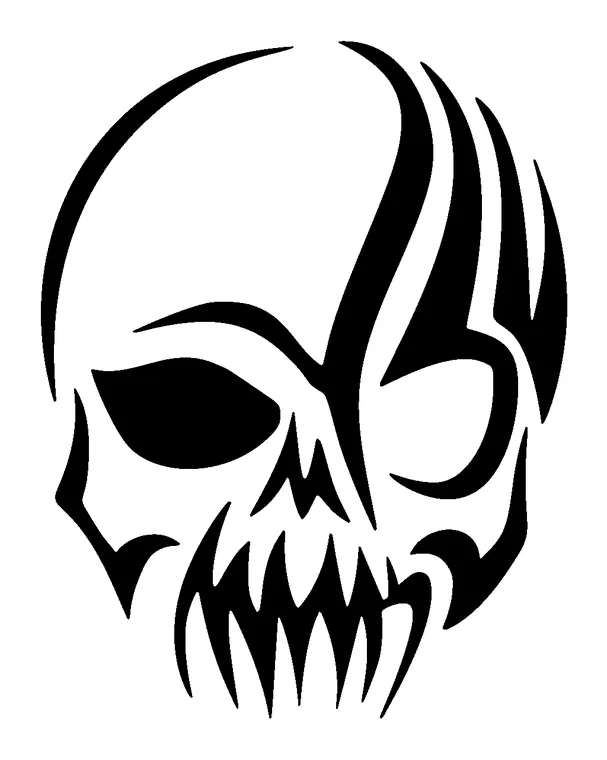
Photo
Opens with the AI result already computed: no credits for the example.
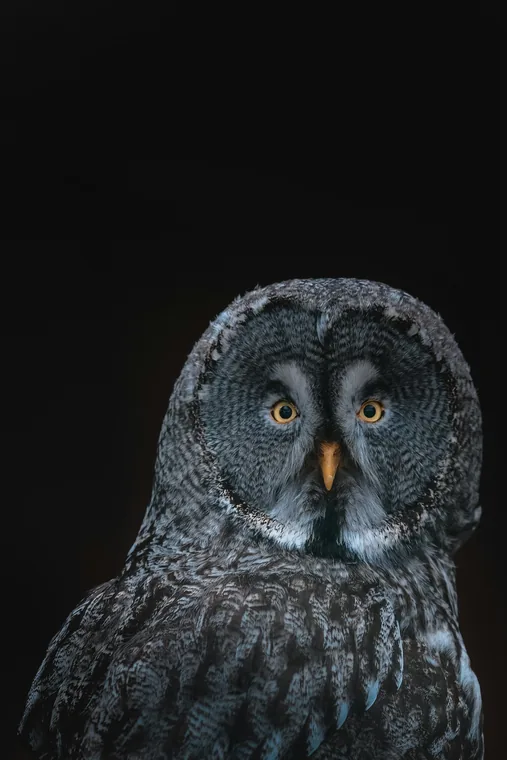
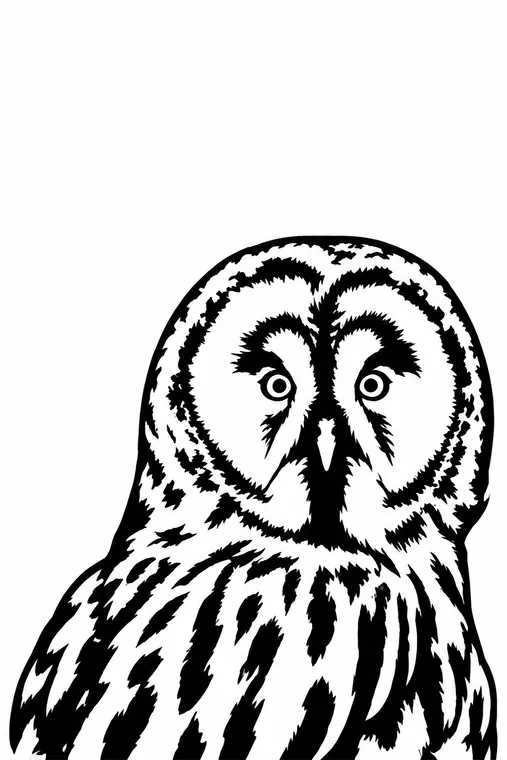
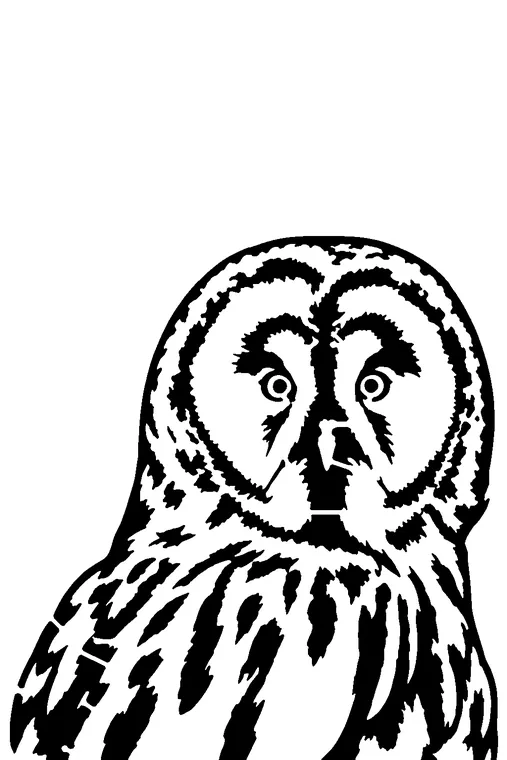
Logo
Opens with the image: you pick the black and white, and whether to invert it.
Our own image