
Need your stencil physically made? Cuttalo.com offers professional laser cutting in 20+ materials.
Need your stencil physically made? Cuttalo.com offers professional laser cutting in 20+ materials.
Help Center
Find answers to common questions about StencilVector, our AI stencil maker, pricing, and more.
StencilVector is an AI-powered platform that converts any image into a professional laser-cut ready stencil. Our technology ensures structural integrity with automatic bridge placement, so every piece stays connected and your stencil is ready for production.
Yes! Through our partner Cuttalo.com, you can order your stencil physically cut in over 20 materials including acrylic, wood, metal, and cardboard.
After your stencil is generated, click Download SVG or Download PNG on the result page. To download the SVG and the high-resolution PNG you need the subscription, with downloads included, or the single purchase at €2.99 + VAT. You can find all your stencils in My Stencils.
Our Free Stencils library contains 1275+ pre-made, laser-cut ready stencil designs organized in 17 categories. You can download any of these SVG files for free without an account.
Yes! All stencils you generate with your credits are yours to use commercially. The free library stencils are also available for commercial use with attribution.
You can reach us through the Contact page on our website, or email us at [email protected]. We typically respond within 24 hours.
Yes. We use HTTPS encryption for all connections, do not share your images or stencils with third parties, and follow industry-standard security practices.
Upload any image (photo, logo, illustration) and our AI analyzes it, converts it to a clean vector stencil, adds structural bridges where needed, and outputs production-ready SVG and PNG files. The entire process takes about 15-30 seconds.
Our AI achieves high accuracy with a structural stability score for each stencil. Most stencils score above 80% on first generation.
You can upload JPG, PNG, SVG, PDF, AI, EPS, GIF, WebP, TIFF and BMP files up to 20 MB. For best results, use high-contrast images with clear edges.
Most stencils are generated in 15-30 seconds. Complex images with many details may take up to 60 seconds.
Bridges are added automatically by our AI during the generation process. The system identifies all floating islands and calculates optimal bridge positions.
Without an account you can upload up to 4 images a day, try all 7 conversion methods and Smart Auto, see the previews and the bridges, touch up in Vector Studio on a computer (your work stays in that browser) and download the SVGs of the free gallery. With a free account you can also upload more than 4 images a day and find your stencils and your Studio work on any device. Free low-resolution PNG preview, we just ask for your email: it's for checking, not for cutting. To download the SVG and the high-resolution PNG you need the subscription, with downloads included, or the single purchase at €2.99 + VAT; then the stencil stays unlocked. The AI tools use credits (a tattoo extraction costs 10), and each tool shows its cost before you use it. Extra credits never expire; subscription credits last for the paid period (a month or a year) and are used first. With the subscription, downloads are included and you get 100 extra credits each month, valid until the renewal.
10 credits = 1 AI operation. Credits aren't used for downloads: the SVG and HD PNG are included in the subscription, or there's the single purchase at €2.99 + VAT (credits bought before 20 October 2026 can still be used for downloads too). You can get them two ways. With the monthly subscription, €9.90 + VAT a month for the first 12 months and then €19.90 + VAT, you get 100 subscription credits every month, valid until the renewal, and downloads are included (technical cap 300 a month). Or you buy extra credits when you need them, from €2.99 + VAT for 50 credits up to 2000, with a price per credit that goes down; extra credits never expire. Subscription credits are always used first, then extra ones. There is also a yearly subscription: €99.00 + VAT a year, with 1200 subscription credits added right away and valid for 12 months from payment (they expire at renewal), and the same included downloads.
Yes. Within 14 days of purchase we refund the credits you haven't used. For the subscription, within 14 days of the first payment you can withdraw from the «Withdrawal» page; after that, cancelling stops the renewals and the paid month stays valid until its end. Details are in the refund policy. This also applies to the yearly subscription: if within 14 days you haven't used subscription credits or downloads, the refund is full and automatic; otherwise the request is reviewed by hand, based on what you've used.
We export stencils as SVG (Scalable Vector Graphics) and PNG. SVG opens in all major laser cutting software, including LightBurn, LaserGRBL, RDWorks and CorelDRAW; if your machine requires DXF, these programs can import the SVG and save it as DXF.
A structural bridge is a small connector that holds isolated parts (islands) of a stencil in place. Without bridges, floating pieces would fall out when the stencil is cut. Our AI automatically detects and adds bridges where needed.
Our AI automatically detects structural issues (floating islands) and adds bridges to fix them. You can see the stability score and any remaining issues on the result page.
SVG is a web-standard vector format viewable in any browser and editable in design software; it is the format StencilVector exports. DXF is a format used by CAD software and some laser cutting machines. If you need DXF, open the SVG in LightBurn, Inkscape or your laser software and save it as DXF.
Through Cuttalo.com, physical stencils can be cut in acrylic (various colors), plywood, MDF, cardboard, polypropylene, PET, felt, fabric, leather, rubber, foam, and many more materials.
Our team is here to help. Reach out and we'll respond within 24 hours.
Blog
guideMarch 24, 20263 min read
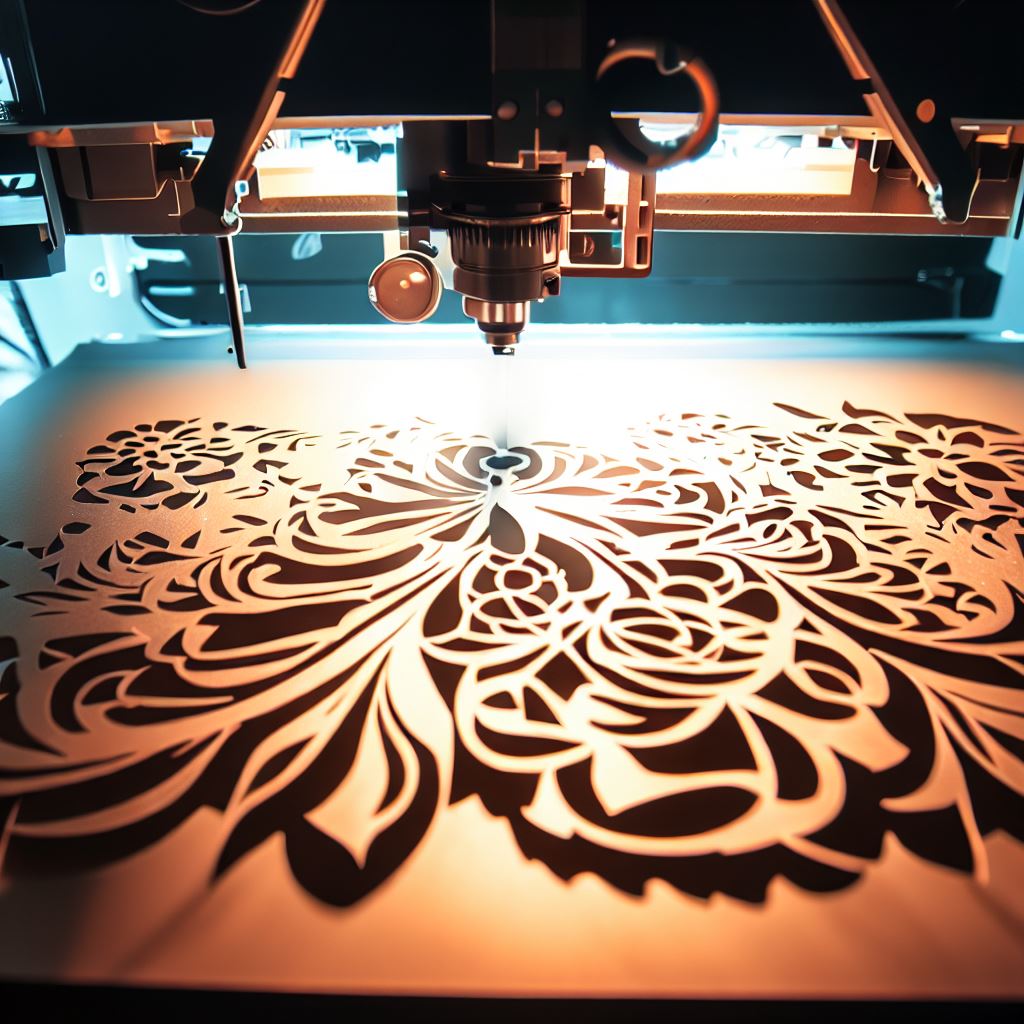
Step-by-step guide to converting any image into a laser-ready stencil: choosing methods, editing, bridge optimization, AR preview, and export.
Read more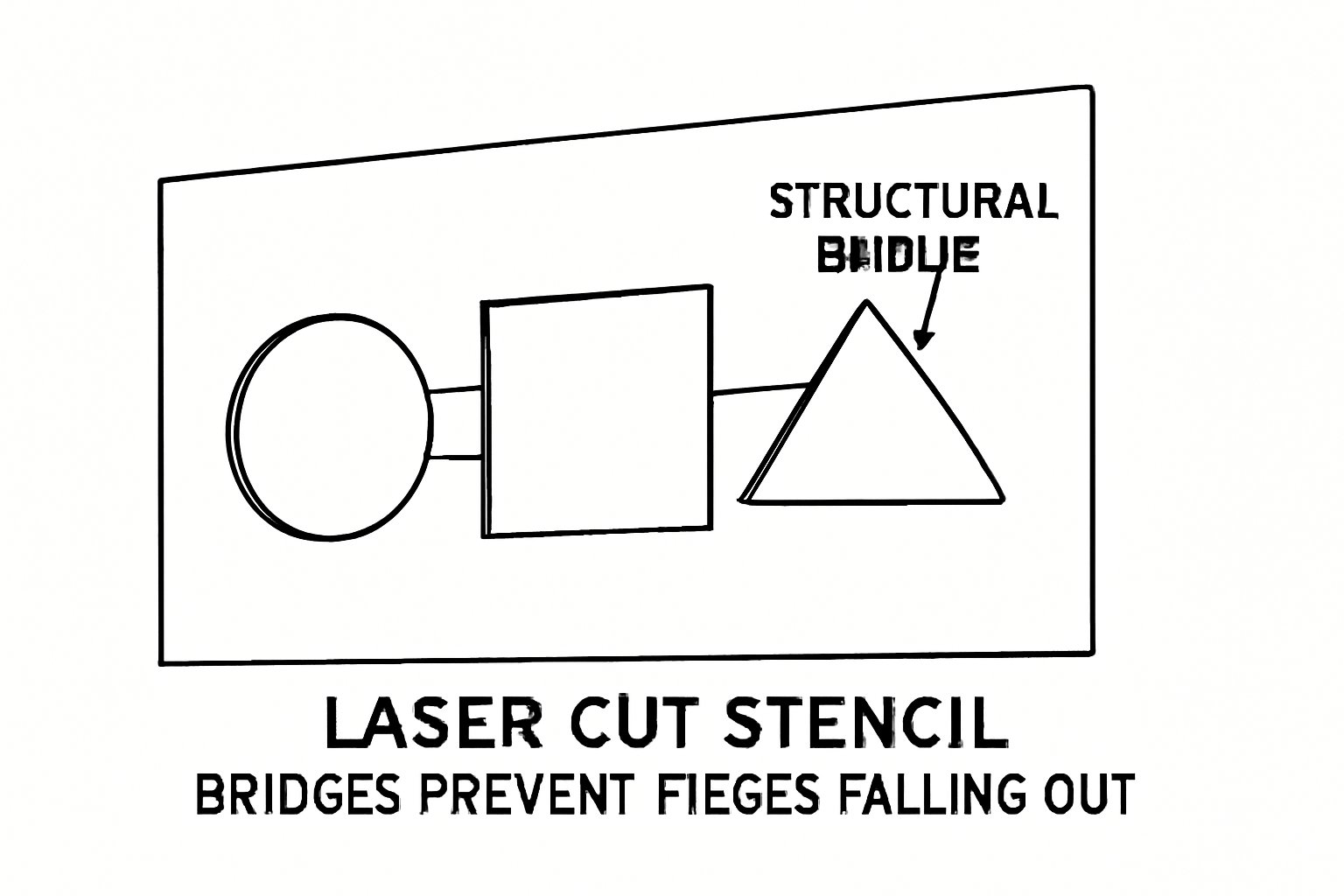
guideApril 1, 20266 min read
Understanding structural bridges in stencil design — how they work, why they matter, and how StencilVector automates bridge placement.
Read more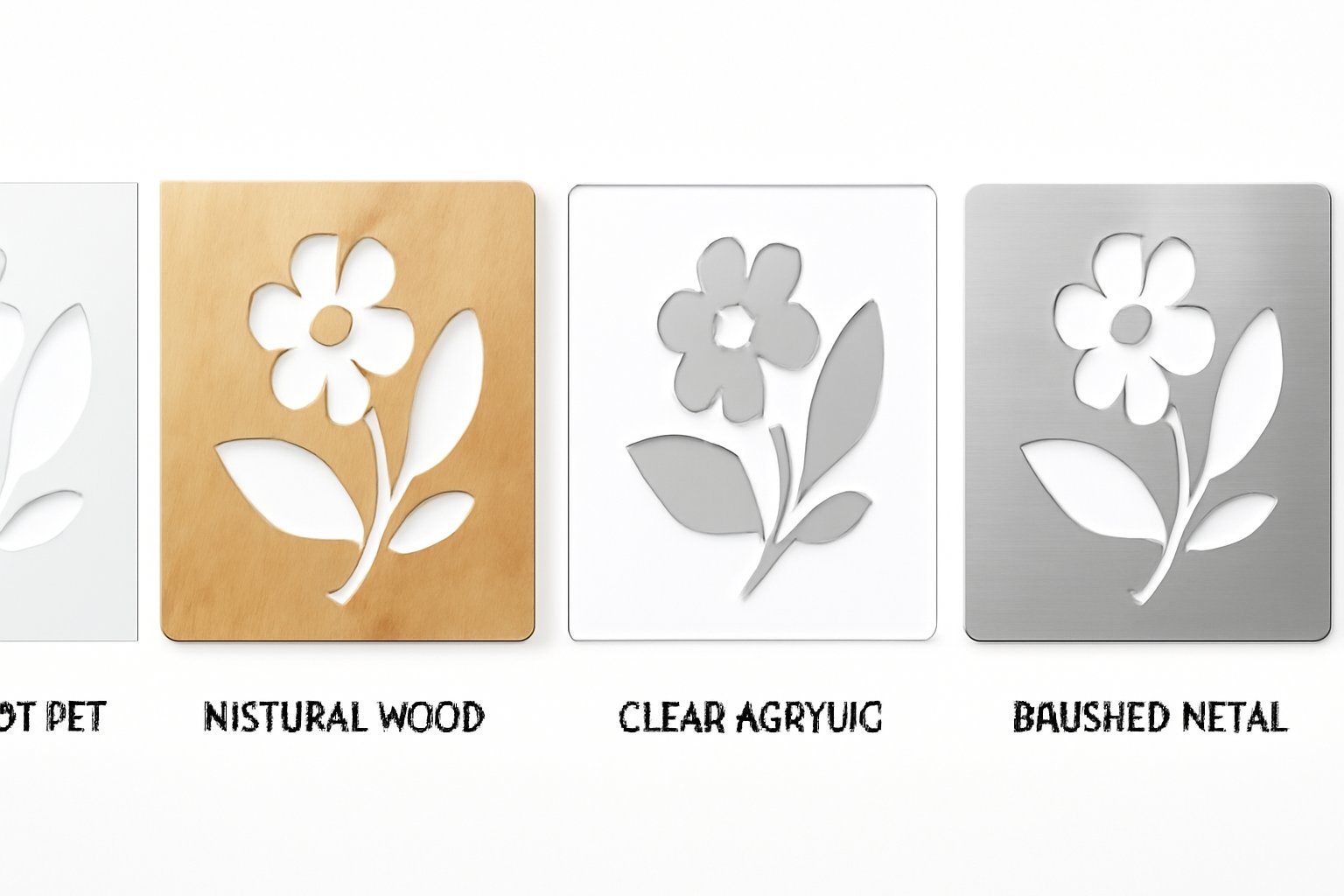
guideApril 1, 20263 min read
Complete guide to stencil materials for laser cutting — properties, thicknesses, applications, and how to choose the right material for your project.
Read more