
Need your stencil physically made? Cuttalo.com offers professional laser cutting in 20+ materials.
Need your stencil physically made? Cuttalo.com offers professional laser cutting in 20+ materials.
Blog
April 1, 20263 min read
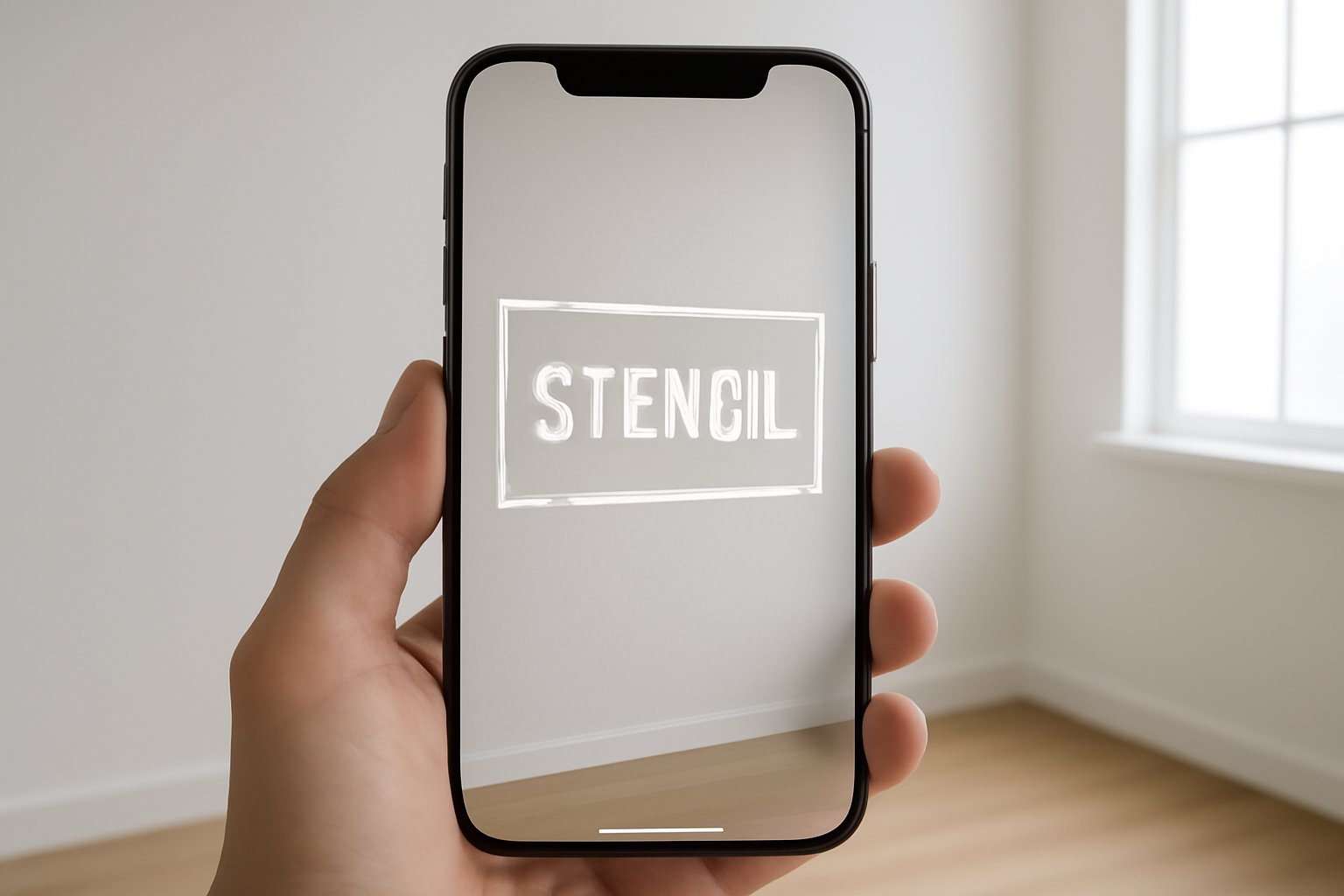
Use StencilVector's AR Viewer to place your stencil on any real-world surface at actual scale before cutting — saving material, time, and mistakes.
Read more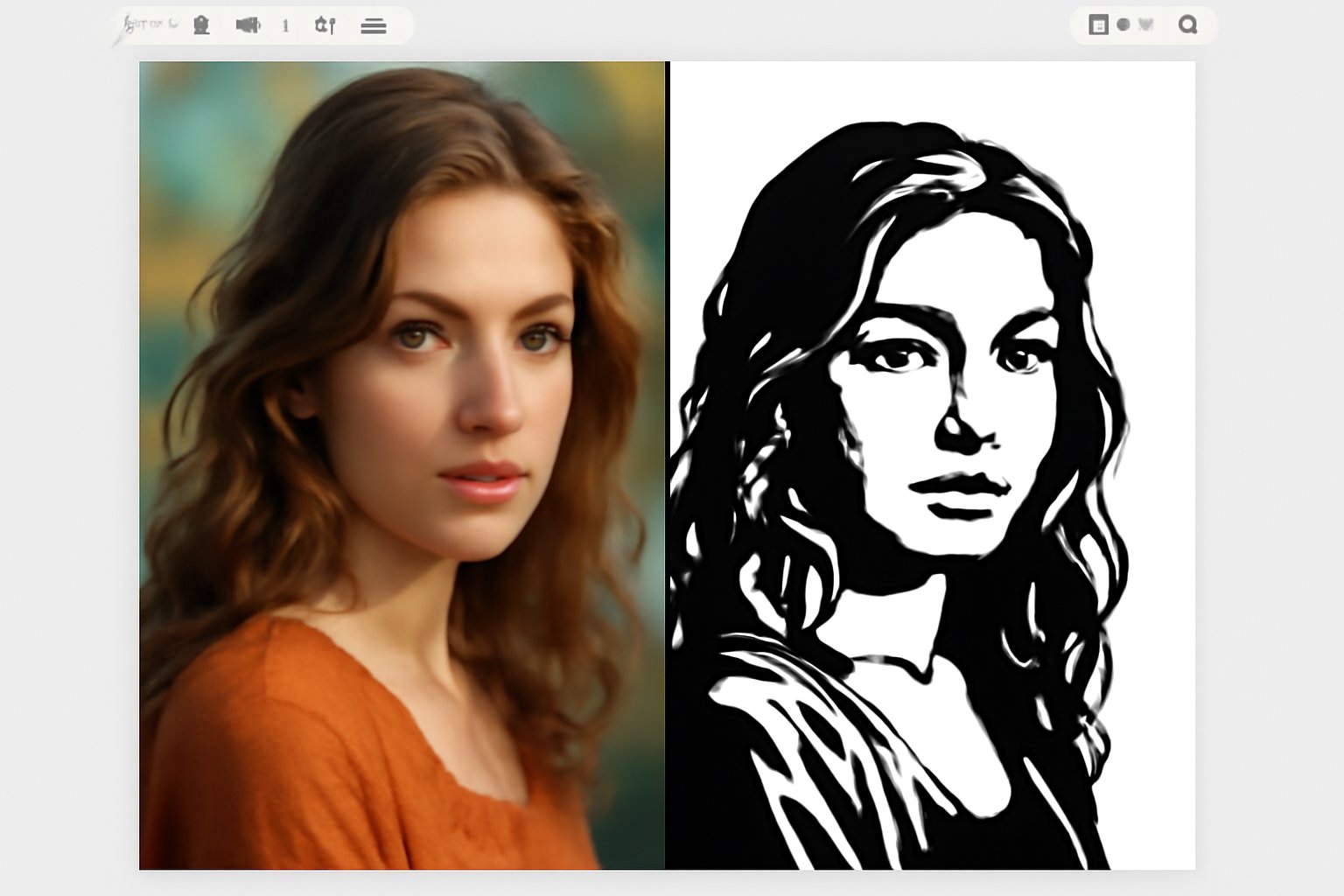
guideApril 1, 20263 min read
A practical guide to turning photographs into precision laser-cut stencils using StencilVector's free tools — from photo selection to final cut.
Read more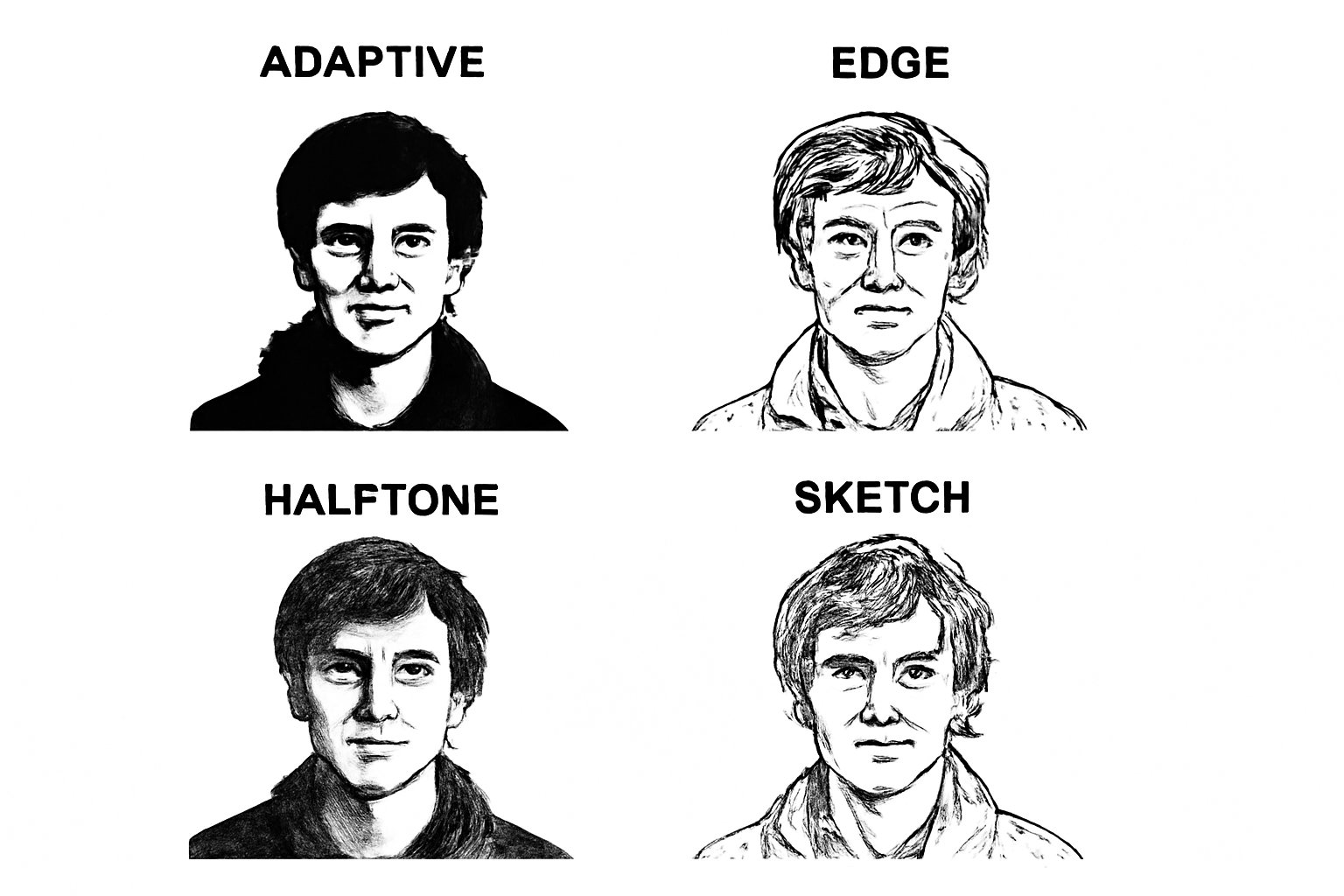
guideApril 1, 20265 min read
A detailed comparison of StencilVector's 7 algorithmic stencil conversion methods — when to use each one and what results to expect.
Read moreFor tattoo artists
Upload a photo of a tattoo and our AI redraws the design on a white background — or turn a photo into a new tattoo design. Try it on skin in AR, check it, then print at real scale on transfer paper.
Try the demos free, no signup · your own photo uses credits
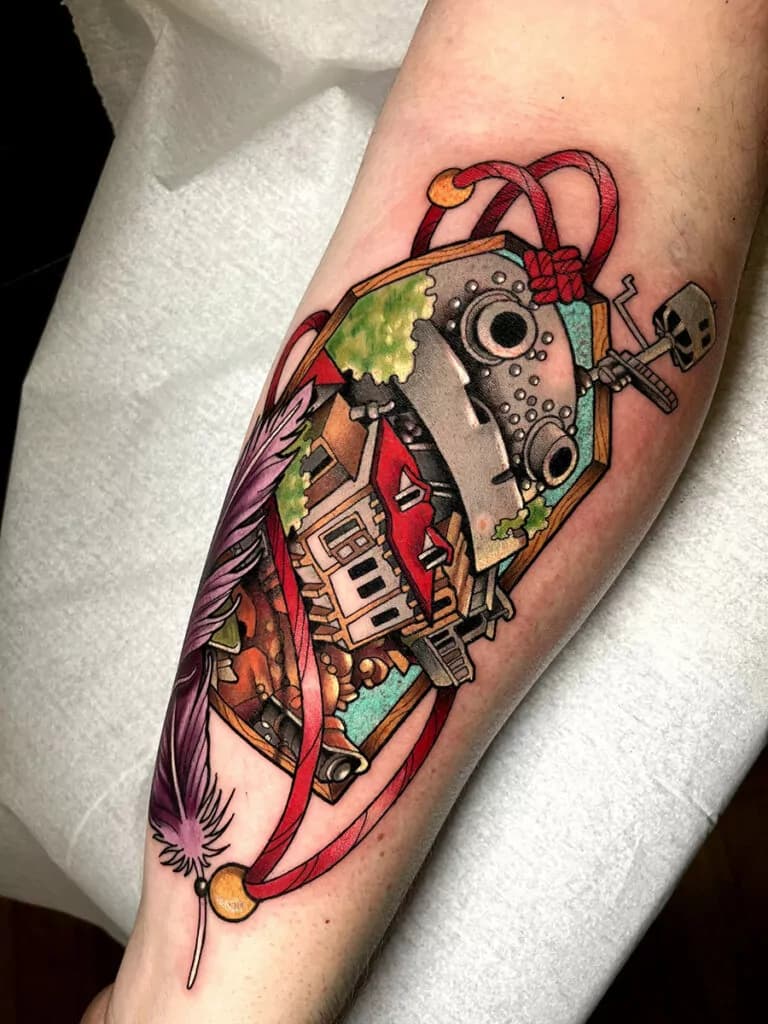
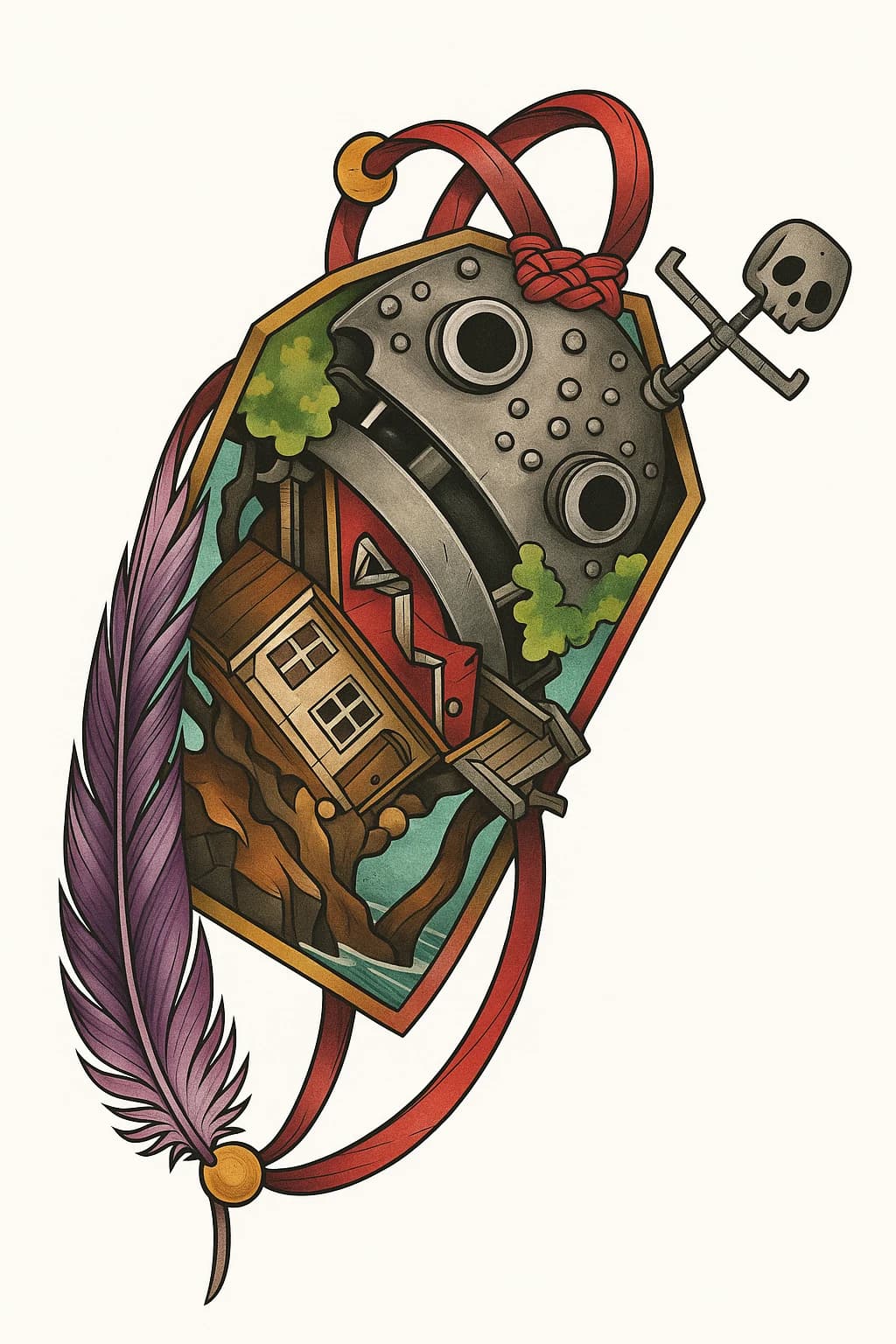
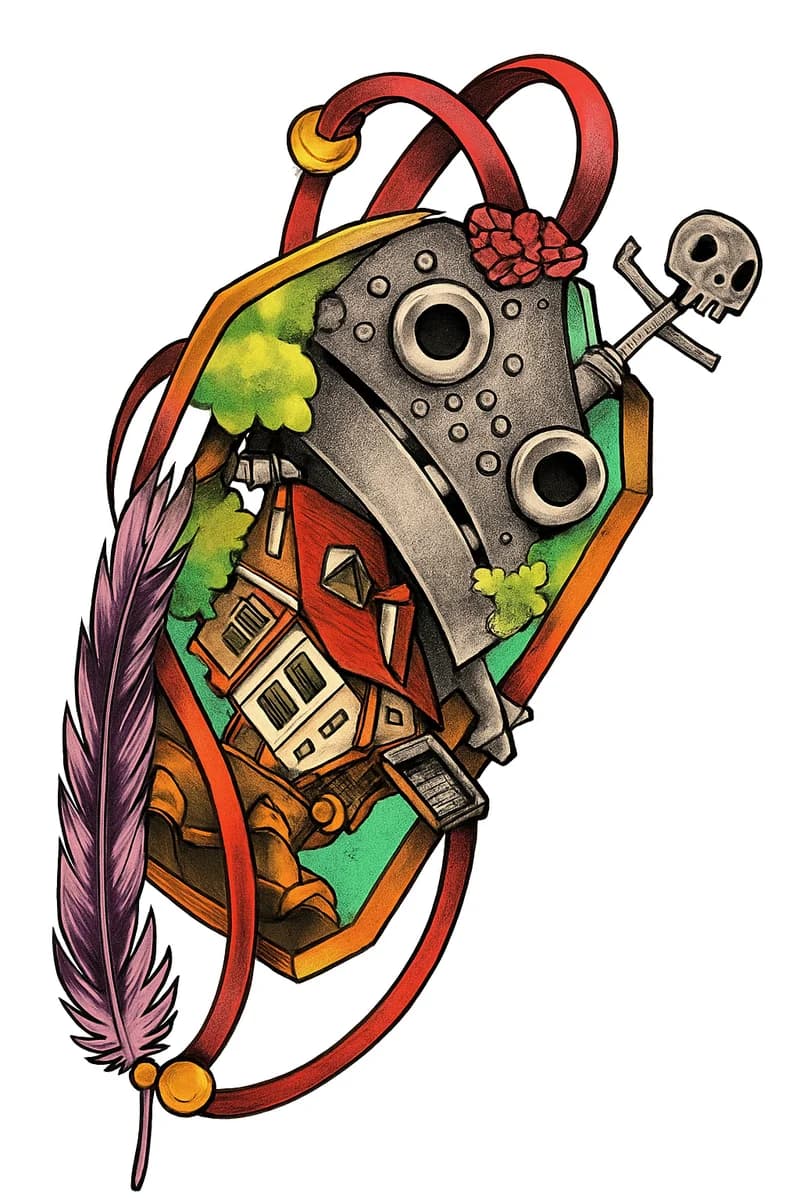
Real example — AI extraction from a tattoo photo in under 30 seconds
01
Upload a tattoo photo and let AI do the rest. 10 credits per extraction.
Drop your tattoo photo here
or click to browse files
02
From tattoo photo to printed stencil in 4 steps
Take a sharp photo of the tattoo, straight on and in even light. On very curved areas, one section at a time.
Our AI removes skin, hair and background and redraws only the tattoo. Check the result before printing.
Open the camera and see the tattoo on your client's skin — move, scale, rotate. Share the preview on WhatsApp in one tap.
Export a print-ready PDF: exact millimeters, mirrored for transfer paper, multi-sheet tiling for sleeves and back pieces.
The extraction is a redrawing made by the AI: always check it, lettering included, before making the stencil.
03
Professional-grade extraction tools designed for the tattoo industry
04
Client shows you a tattoo they love? Extract the design instantly for reference.
Extract the existing tattoo to plan the cover-up.
Build a design library from your best work. Extract and archive every piece.
Extract faded tattoo designs for precise touch-up and restoration work.
05
For decades, tattoo artists had to manually trace designs from reference photos. AI-powered stencil extraction changes everything.
06
A tattoo stencil extractor is an AI-powered tool that analyzes a photo of an existing tattoo and separates the design from the surrounding skin, hair and background. Unlike stencil generators that convert artwork or illustrations, an extractor works with photos of real tattoos: it redraws the ink lines, shading, gradients and colors as they appear in the photo, flattens the design as far as the photo allows and delivers a clean image for thermal transfer paper. Since it is a redrawing, check it before printing.
Every tattoo artist has experienced it: a client walks in with a photo of a tattoo they found on Instagram or Pinterest and says "I want exactly this." Traditionally, the artist would need to manually redraw the design from the reference photo — a process that can take 30 minutes to over an hour, especially for complex pieces with fine detail work, dotwork, or watercolor effects.
With AI extraction you can upload the client's reference photo and get a clean, isolated design in seconds. The AI removes skin texture, body hair, pores, veins and background, leaving only the tattoo. It also corrects body curvature and camera perspective within limits, so the design comes out flat and ready for your thermal stencil printer. That means more time tattooing and less time tracing.
Most stencil makers only produce black and white. Our extractor offers three modes: Auto Detect decides whether the tattoo is in color or black and grey and extracts accordingly. Full Color keeps hues, saturation and opacity variations, suited to watercolor, neo-traditional and new school pieces. Black & White converts everything to grey values, ideal for blackwork, dotwork, fine line and traditional black and grey. In every mode, light colors and very faint shading are the hardest to keep.
One of the biggest challenges when extracting a tattoo from a photo is perspective distortion. Tattoos wrap around arms, legs, shoulders and backs: curved surfaces that distort the design in the photo. Our AI corrects this distortion and redraws the design flat, as if it were laid out on a table. It works well on gentle curves; on strongly curved areas such as a whole forearm, the ribs or the neck, photograph and extract one section at a time. A flat design matters: the stencil has to lie flat to transfer correctly onto new skin through thermal transfer paper.
07
For tattoo artists
Upload your first tattoo photo and get a transfer-ready stencil in seconds. 10 credits per extraction.
Demos · Free