3 min read
Augmented Reality Stencil Preview: See Before You Cut
Use StencilVector's AR Viewer to place your stencil on any real-world surface at actual scale before cutting — saving material, time, and mistakes.
StencilVector Team1,311 views
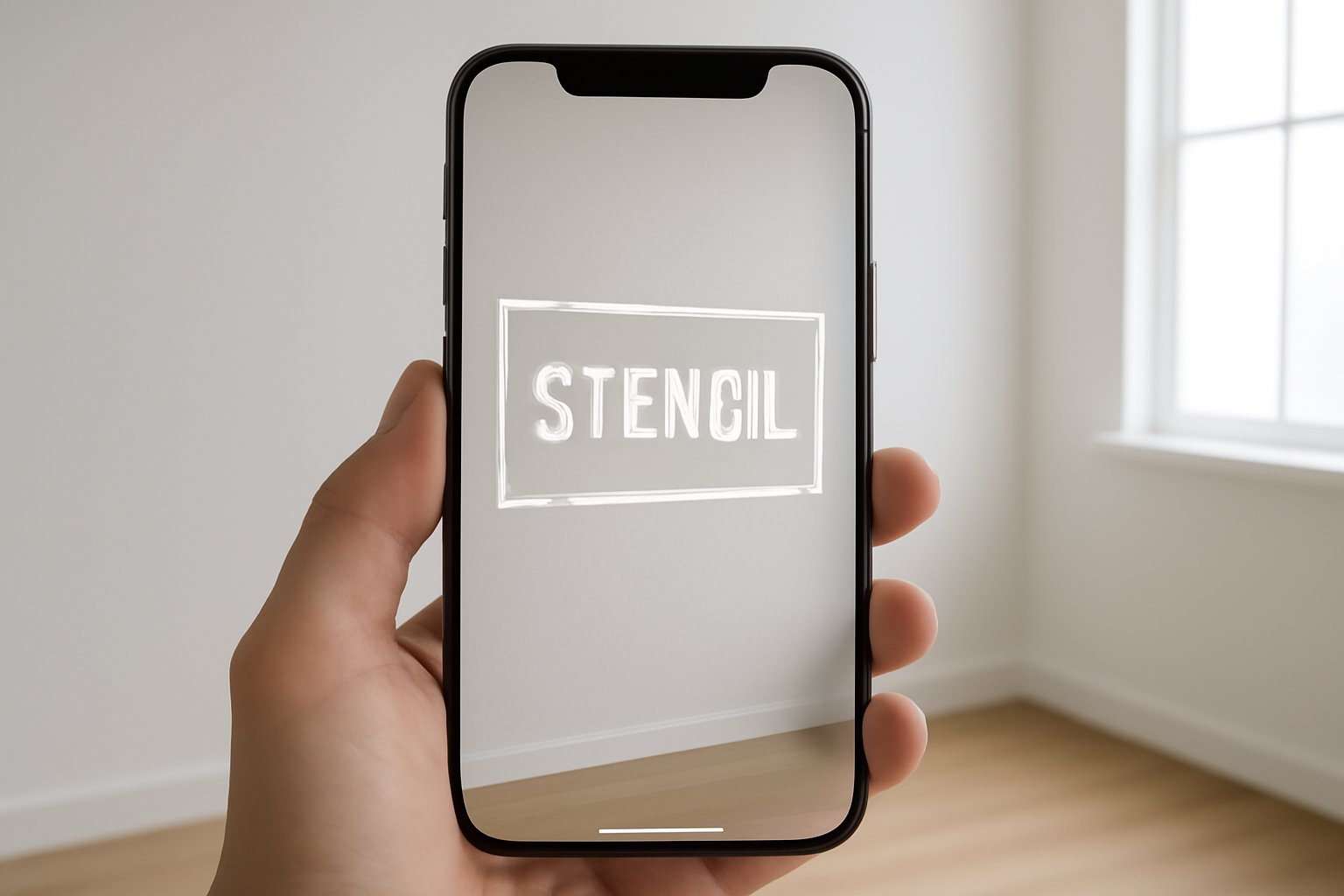
One of the biggest frustrations in stencil making is cutting a stencil only to discover it is the wrong size, proportion, or style for the intended surface. You waste material, time, and effort. StencilVector's Augmented Reality (AR) Viewer solves this by letting you see your stencil on any real-world surface before you cut.
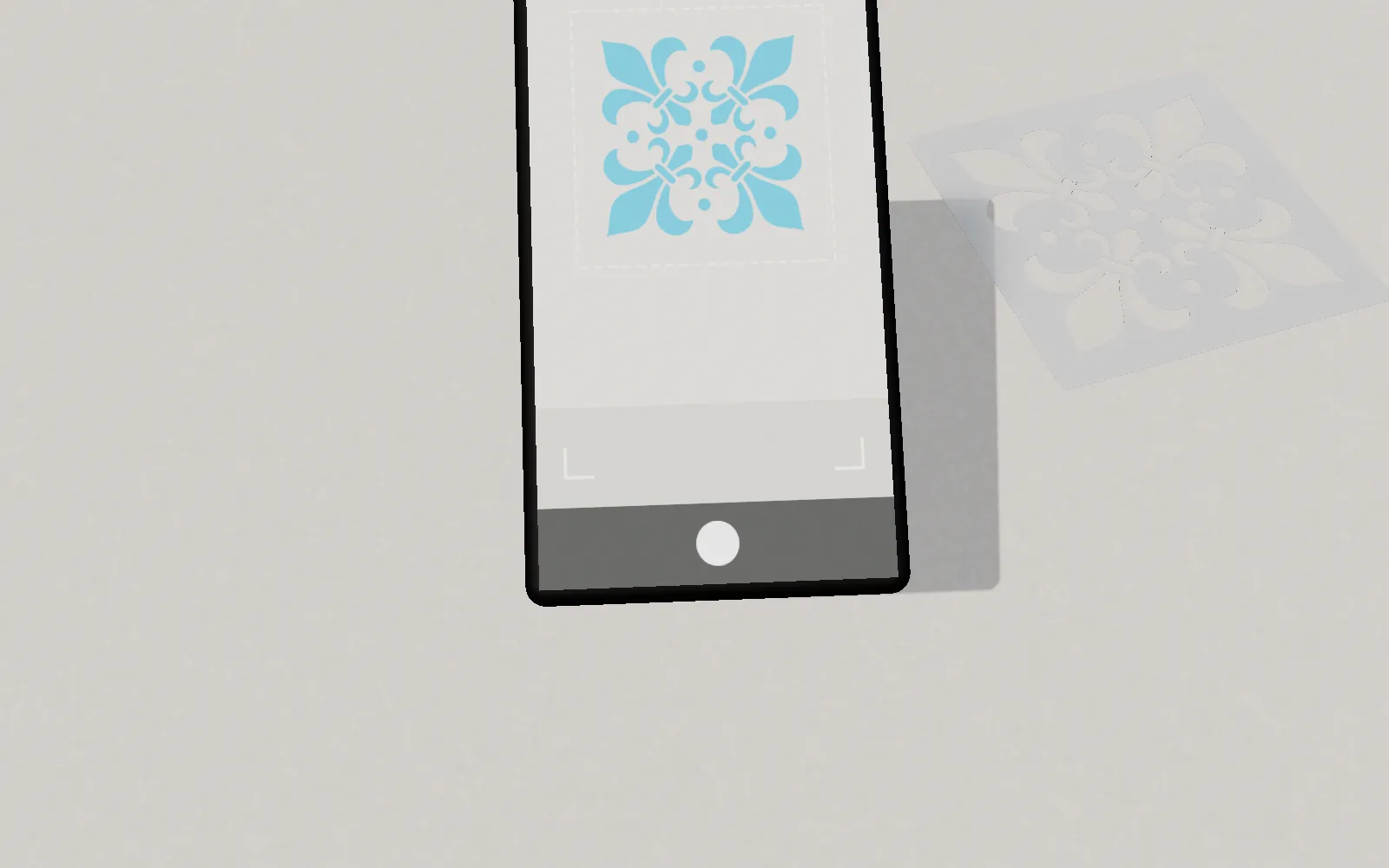
How the AR Viewer Works
The AR Viewer uses your phone's camera and WebXR technology to overlay your stencil design onto the real world in real time. Here is the process:
- Create or upload your stencil — Use the Stencil Maker to convert an image, or download one from the gallery
- Open the AR Viewer — Access it from the stencil result page or the navigation menu
- Point your phone camera — Aim at a wall, floor, table, or any flat surface
- Place the stencil — Tap to position it on the surface. The stencil appears at its actual physical dimensions.
- Resize and rotate — Use pinch gestures to adjust size and rotation
- Evaluate — Walk around, step back, and see exactly how the stencil will look at real scale
Why AR Preview Matters
Previewing at real scale catches problems that screen previews cannot:
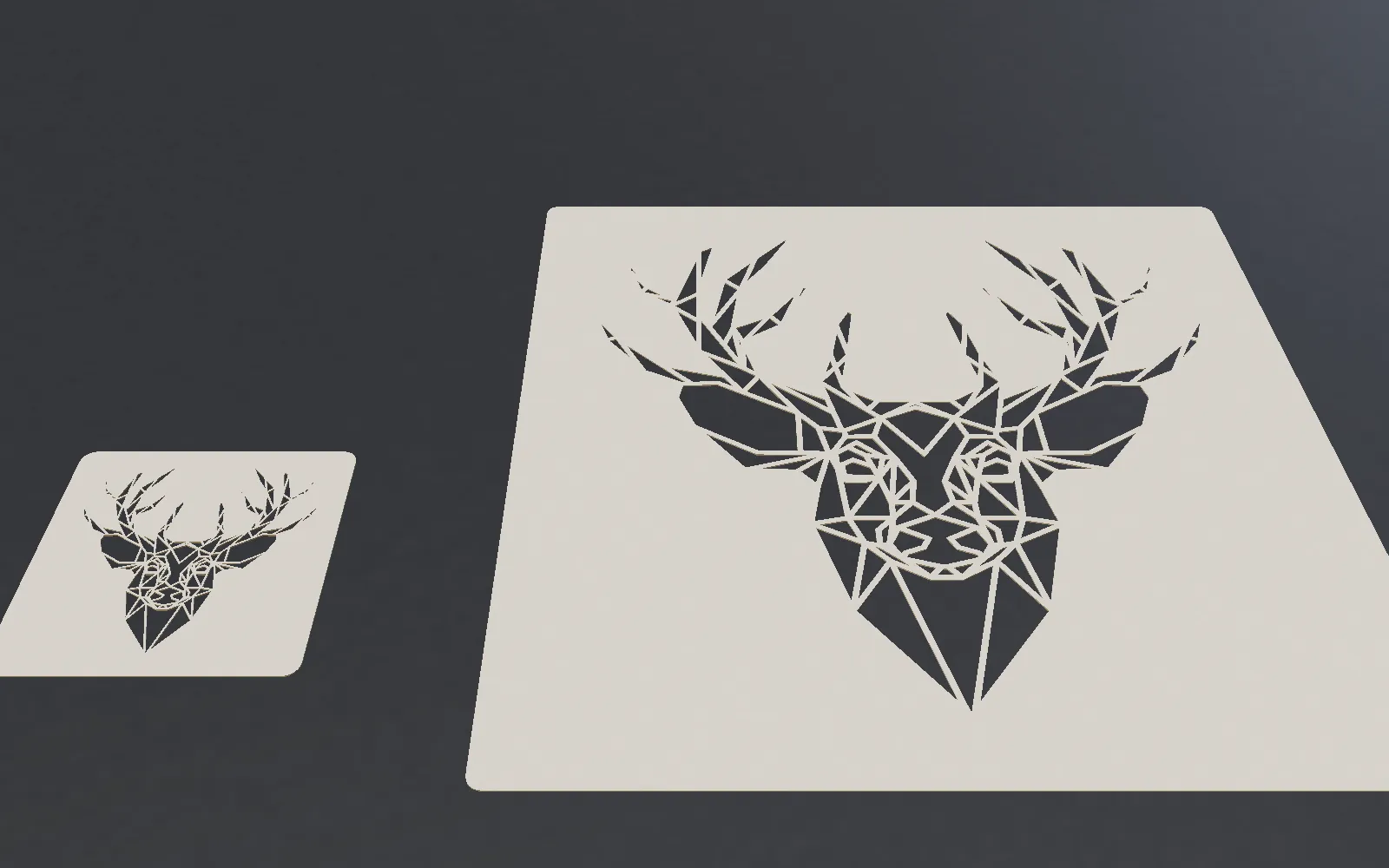
- Size verification — Is 400mm wide enough for that wall? Too big for that notebook cover? See it in context.
- Proportion check — Some designs look great on screen but feel wrong at physical size. AR reveals this instantly.
- Placement planning — Exactly where should the stencil go on the wall? How does it relate to furniture, doors, windows?
- Detail assessment — Fine details that look good at 100% zoom on screen may be invisible at the physical stencil size.
- Client approval — Show clients exactly what the finished result will look like before committing to material.
Compatible Devices
The AR Viewer works best on:
- Android phones — Chrome browser with ARCore installed (most modern Android phones support this)
- Modern smartphones — Best experience with phones from 2020 or newer
For devices that do not support WebXR, the viewer provides a QR code to open on a compatible phone. You can also send the link via WhatsApp or email directly from the page.
Real-World Use Cases
Wall Art and Interior Design
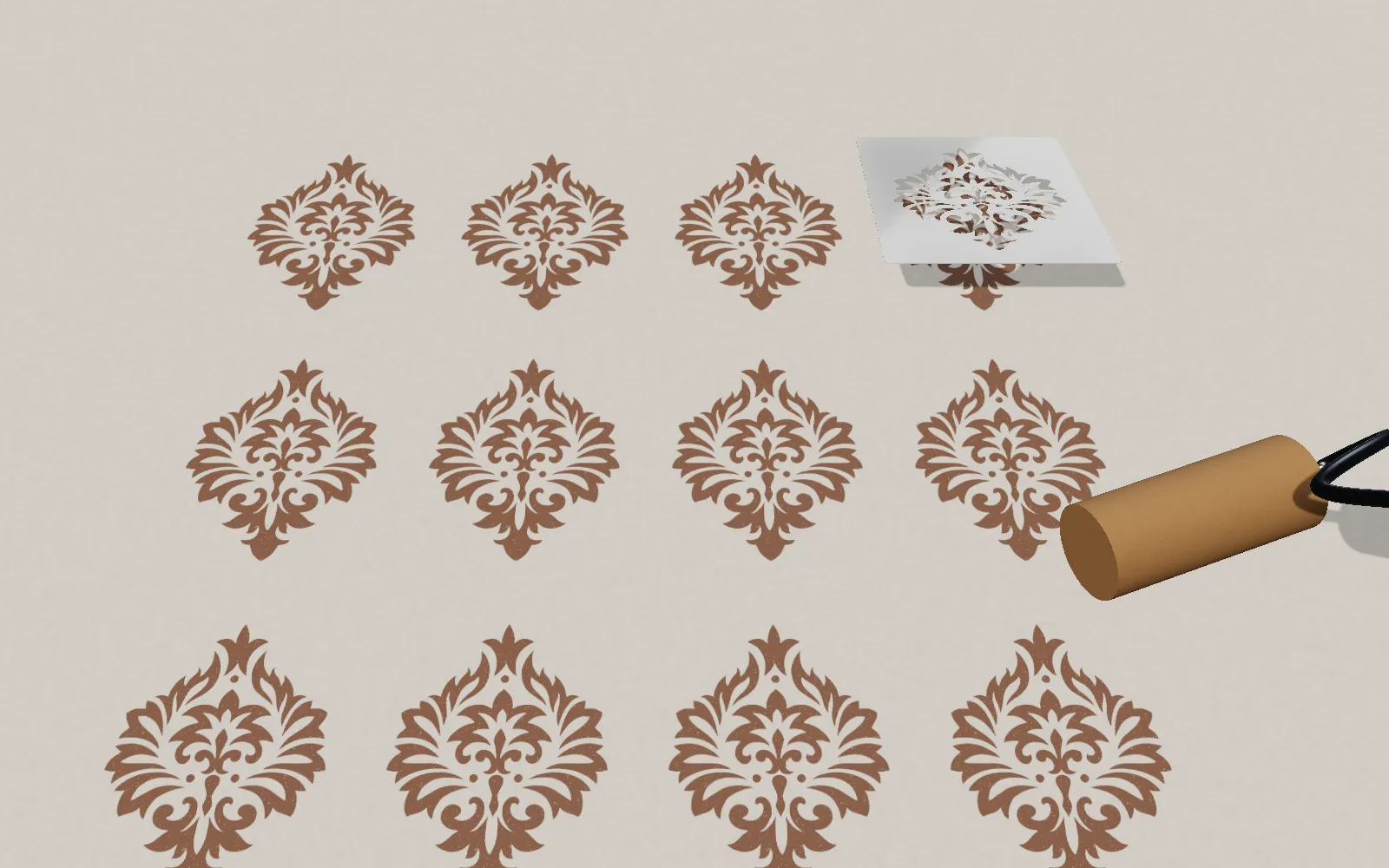
Planning a stenciled accent wall? Use AR to try different stencil sizes and positions before painting. See how a 600mm mandala looks centered above the sofa, or whether a repeating pattern works at 200mm or 300mm scale.
Signage and Branding
Business owners can preview signage stencils on their actual storefront, vehicle, or product packaging. No more guessing about dimensions — see the real result before ordering.
Craft Projects
Crafters can preview stencils on furniture, fabric, or decorative objects to verify size and placement before committing to paint or ink.
Industrial Applications
For industrial marking — floor safety signs, equipment labels, warehouse zone markers — AR preview lets you verify placement and readability at the actual viewing distance.
Tips for Best AR Experience
- Good lighting — The camera needs to see the surface clearly for accurate placement
- Flat surfaces — AR tracking works best on flat, textured surfaces (walls, floors, tables)
- Stable phone — Hold your phone steady for clearer overlay
- Step back — After placing the stencil, walk back to see it from a natural viewing distance
Try the AR Viewer with any stencil — your own creation or one from the free gallery. It is completely free and requires no account.
Stencil Maker
Ready to create your own stencil?
Upload any image, check the bridges and download a laser-ready file.