2 min read
Why StencilVector?
StencilVector is a free stencil creation tool by Cuttalo.com with 7 algorithmic methods, editing tools, automatic bridges, AR preview, and 1275+ free gallery designs.
StencilVector Team1,111 views

Why StencilVector Is the Ultimate Free Stencil Tool
Creating laser-ready stencils used to require expensive software, design expertise, and hours of manual work. StencilVector, a free tool by Cuttalo.com, changes everything. Upload any image, choose from 7 algorithmic conversion methods or let Smart Auto pick one, and see your precision stencil in seconds — no sign-up needed to try. Downloading the finished SVG takes a free account and credits.
7 Algorithmic Conversion Methods — All Free
Unlike other tools that offer a single threshold slider, StencilVector provides 7 distinct algorithmic methods to convert your image into a stencil, plus Smart Auto, which picks one for you:
- Threshold — Classic black-and-white conversion with adjustable sensitivity
- Edge Detection — Extracts outlines and contours from complex images
- Adaptive Threshold — Handles images with uneven lighting
- Posterize — Reduces tonal range for bold, graphic stencils
- Sketch — Pencil-style strokes and hatching for a hand-drawn look
- Stamp — Flattens the image into solid masses, like an inked stamp
- Stencil Art — Tuned for wall stencils: simplifies hard and leaves the fewest loose pieces
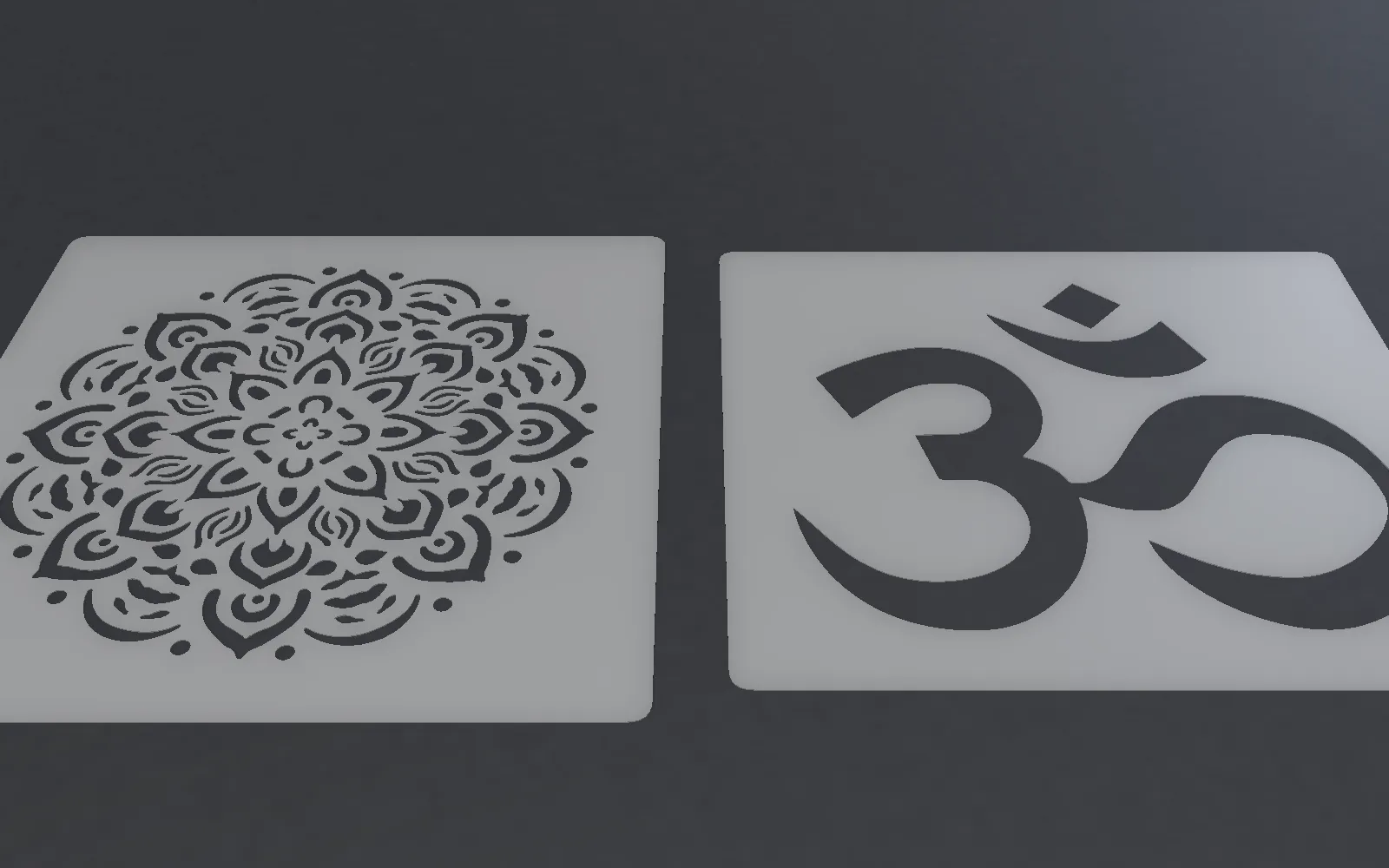
Every method's preview is free, so you can compare them and pick the best one before you download.
AI Enhancement — Optional, Credit-Based
For images that need extra refinement, StencilVector offers optional AI services. Our AI can analyze structural integrity, suggest bridge placements, and enhance complex images. These premium features use a simple credit system: credits are only for the AI. To download the files there's a subscription with downloads included, or a single purchase.
Professional Editing Tools Built In
After conversion, fine-tune your stencil with built-in editing tools:
- Eraser tool — Remove unwanted areas with precision
- Brush tool — Add or restore stencil regions
- Flood fill — Fill or clear entire connected areas with one click
These tools give you full control over the final result, right in your browser.
Automatic Bridge Optimization
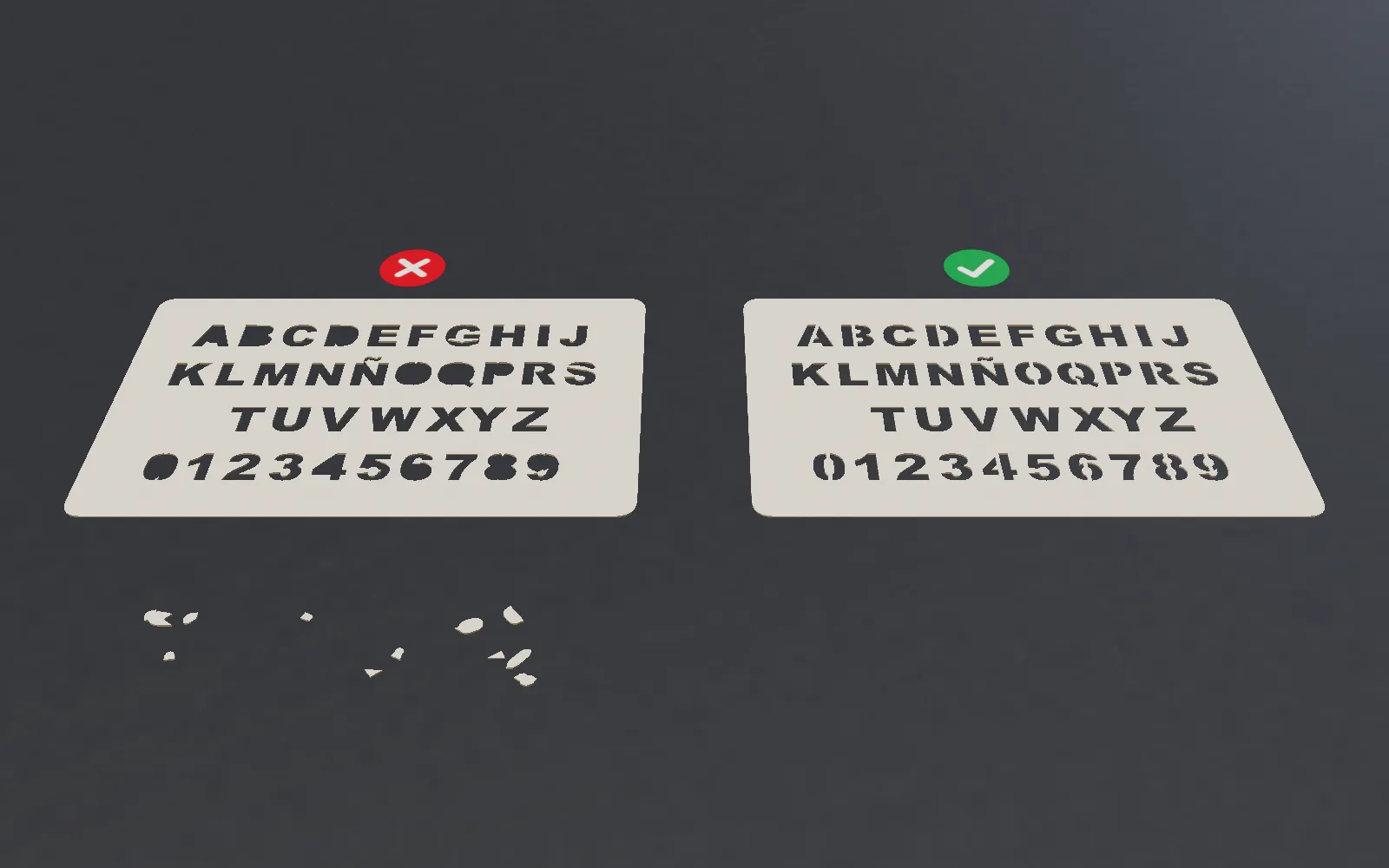
The biggest challenge in stencil design is the island problem — floating pieces that fall out when you cut. StencilVector automatically detects islands and generates structural bridges to keep everything connected. The stability analysis ensures your stencil is physically cuttable before you export.
Export and Create
Download your finished stencil as SVG for laser cutters or PNG for printing. Set exact dimensions in millimeters, add margins for handling, and your file is ready for any cutting machine — Epilog, Trotec, Glowforge, or CNC routers.
1275+ Free Stencils in the Gallery
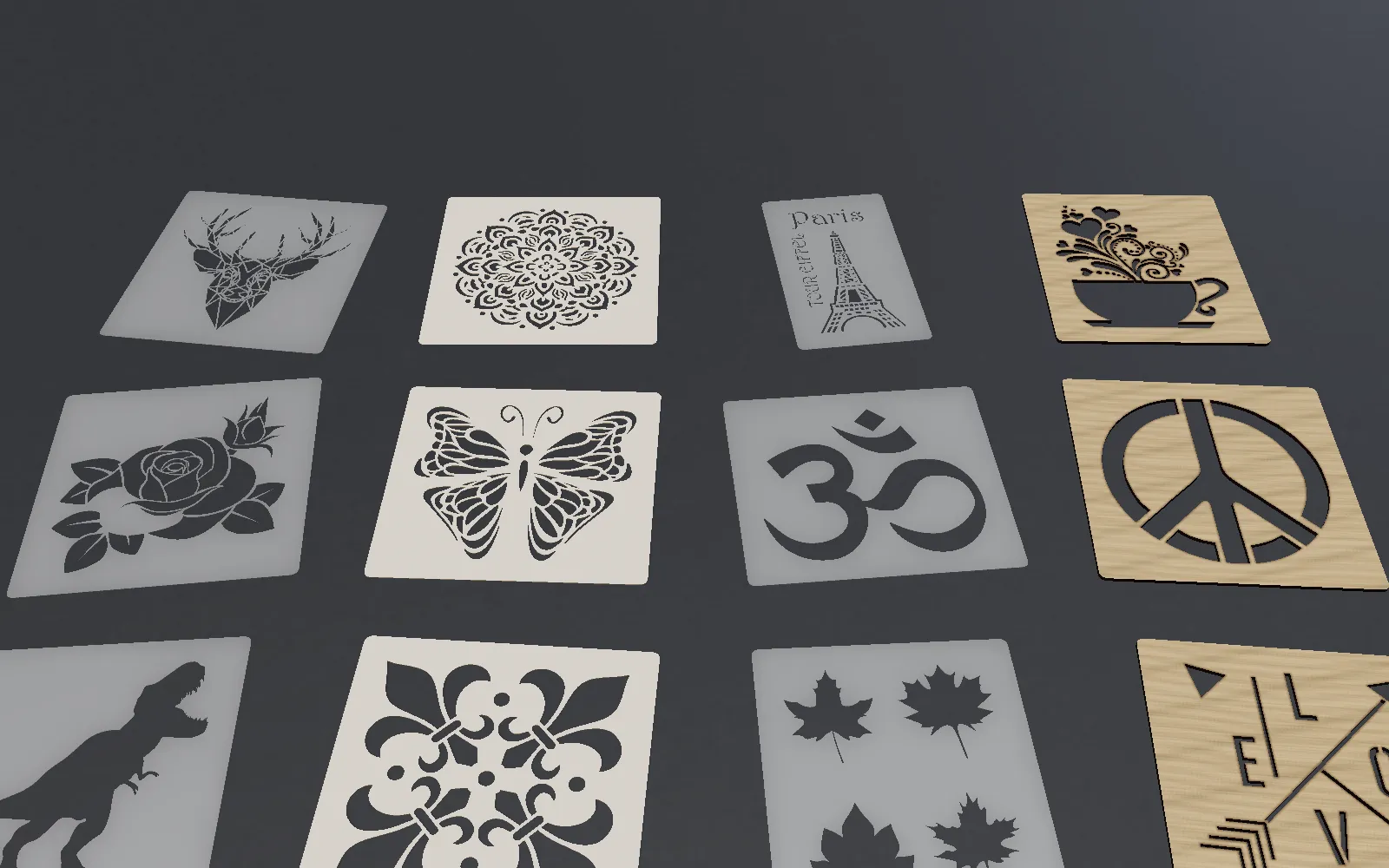
Not starting from scratch? Browse the StencilVector Gallery with over 1275 free stencil designs across 17 categories. Download any SVG instantly — animals, typography, patterns, logos, and more. No account required.
See It Before You Cut — AR Viewer
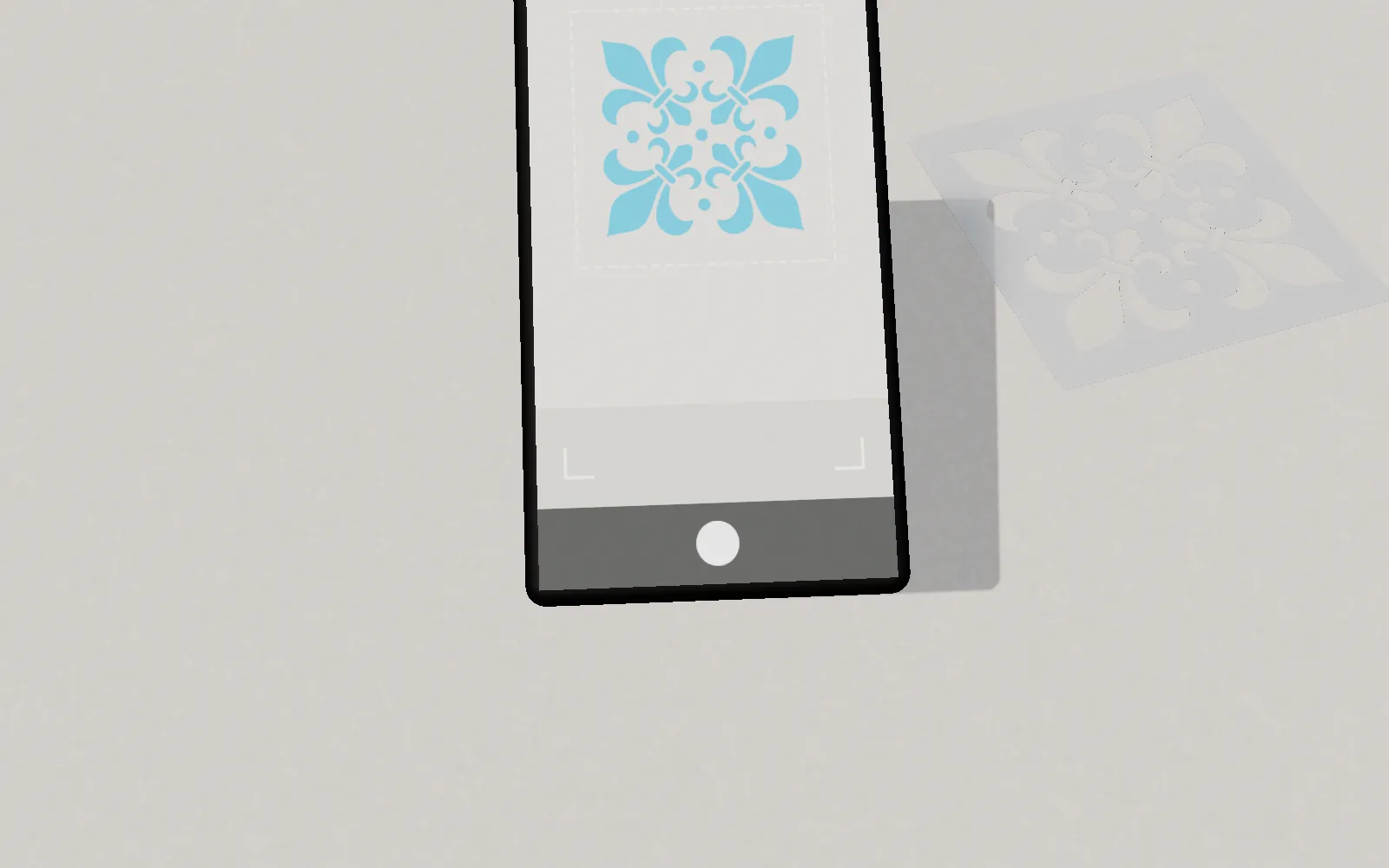
StencilVector includes an Augmented Reality viewer that lets you place your stencil on any real-world surface using your phone camera. See exactly how it will look at real scale before committing to material.
Whether you are a maker, artist, sign painter, or hobbyist, StencilVector gives you everything you need to go from image to laser-ready stencil — and trying it is free. Try the Stencil Maker now.
- stencil
- ai
- laser-cutting
Stencil Maker
Ready to create your own stencil?
Upload any image, check the bridges and download a laser-ready file.