3 min read
What the Heck is a Stencil?
Learn what stencils are, how bridges solve the island problem, and how to create laser-ready stencils from any image using StencilVector's free tools.
StencilVector Team1,167 views

What Is a Stencil? The Complete Beginner's Guide
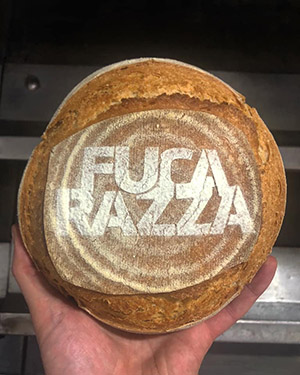
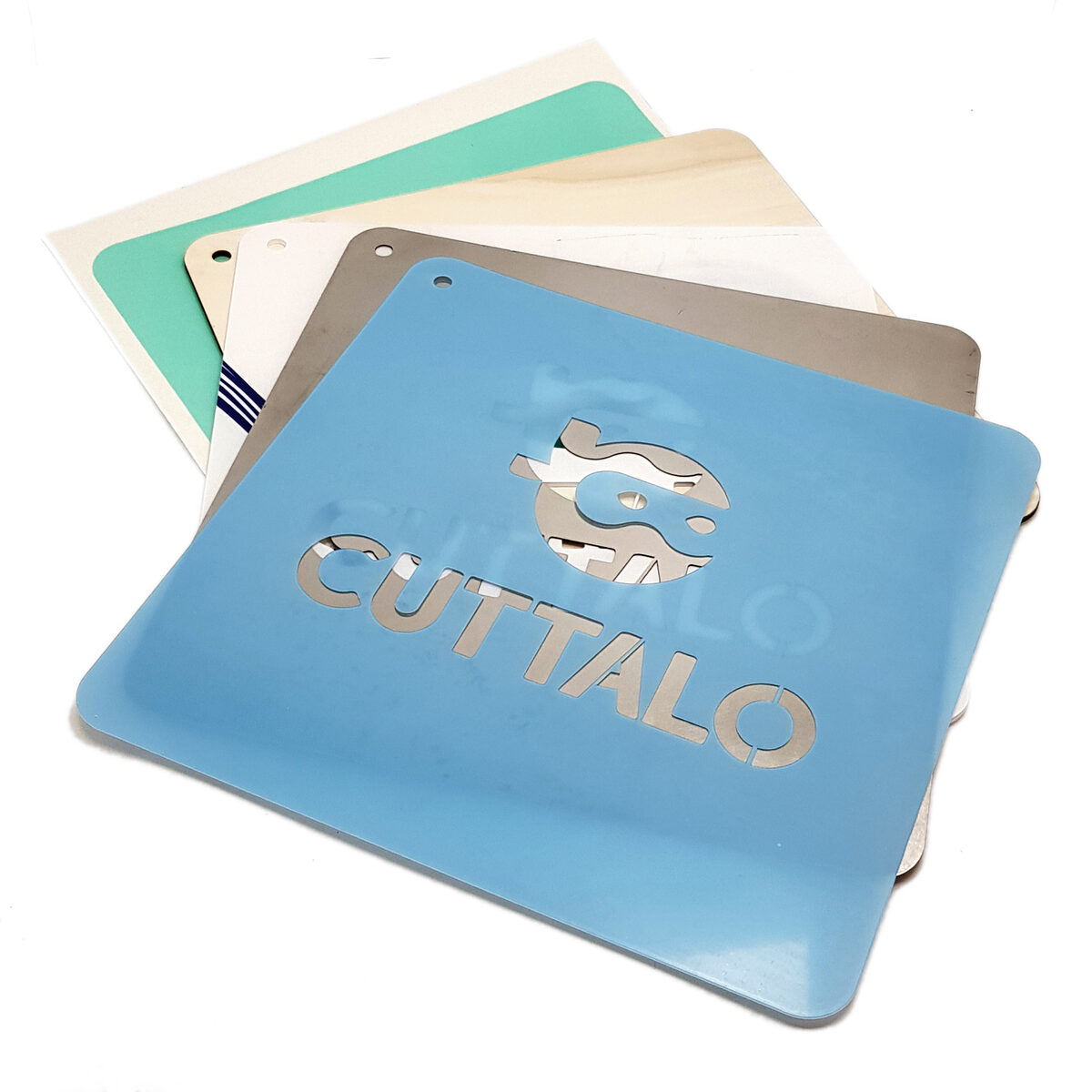
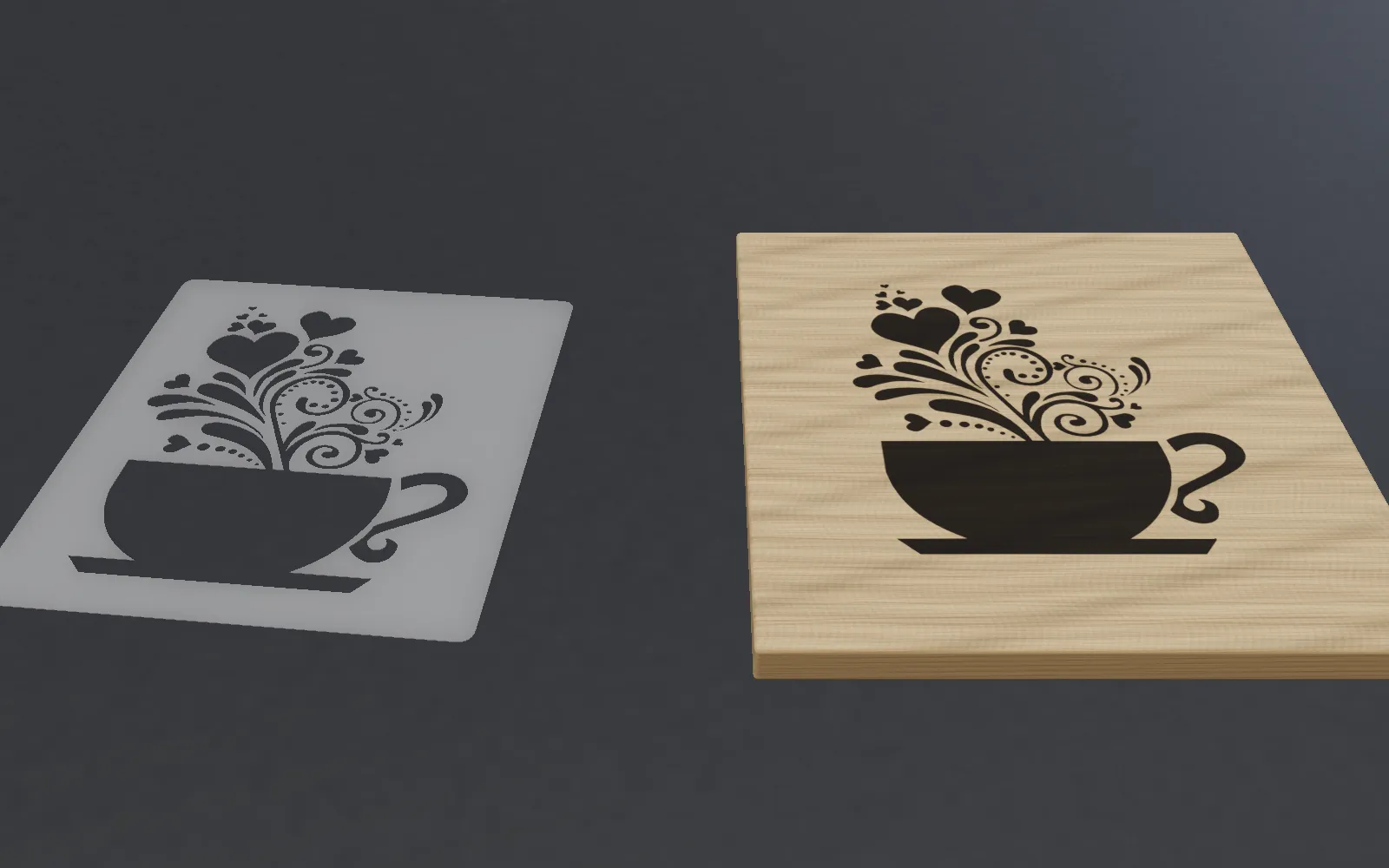
A stencil is a sheet of material — paper, plastic, wood, or metal — with a design cut out of it. When you apply paint, ink, or another medium over the stencil, the design transfers onto the surface beneath. It is one of the oldest and most versatile creative techniques in human history.
A Brief History of Stencils
Stencil art dates back over 35,000 years to prehistoric cave paintings. Ancient civilizations used stencils for textile decoration, Chinese calligraphy, and Japanese Katagami paper stencils for kimono printing. Today, stencils are used in everything from Banksy-style street art to precision electronics manufacturing.
Types of Stencils
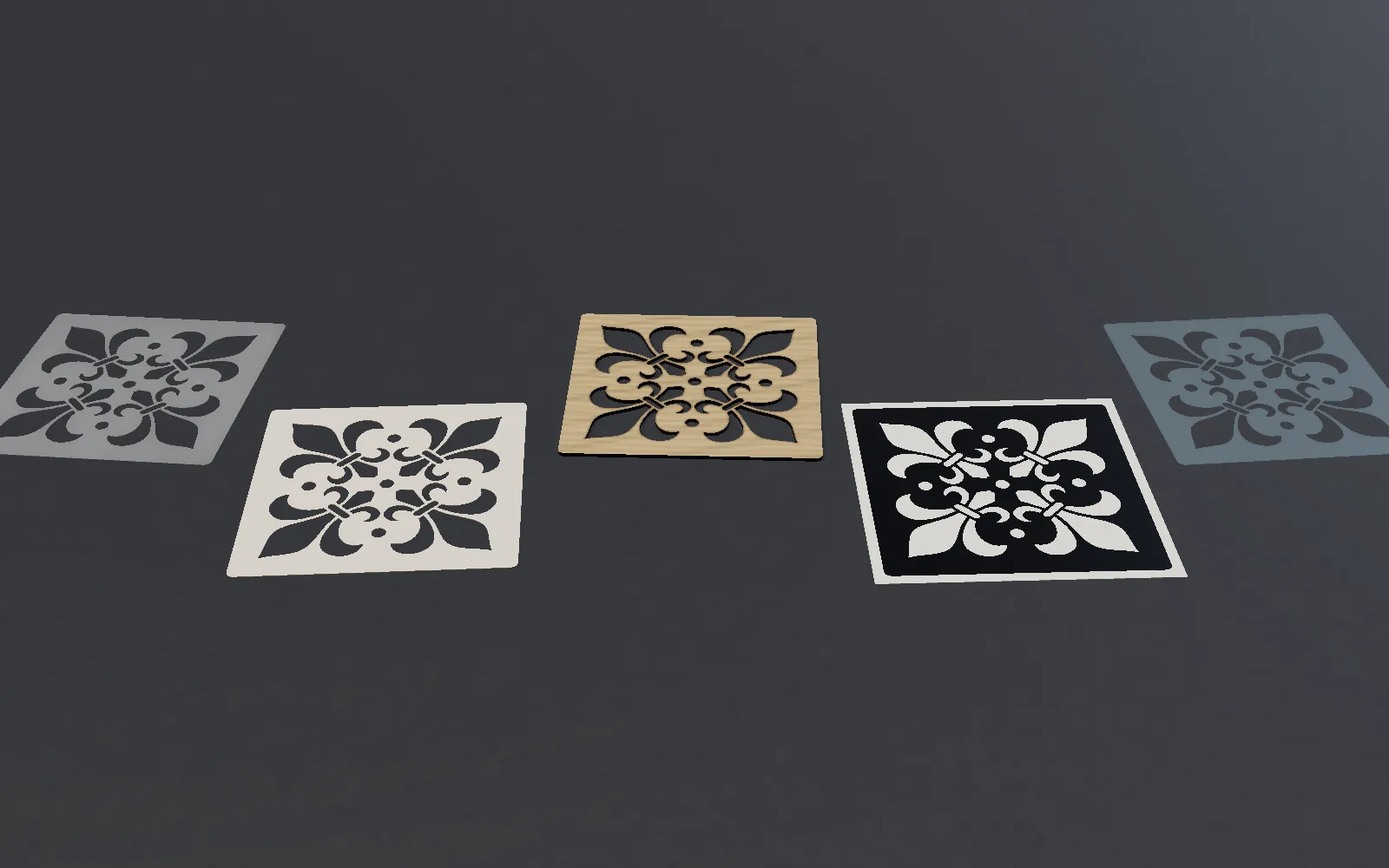
- Single-layer stencils — The most common type, ideal for logos, text, and simple designs
- Multi-layer stencils — Multiple stencils applied in sequence to create multi-color or detailed designs (StencilVector produces one layer per stencil: cut a separate one for each colour.)
- Bridge stencils — Feature structural bridges that hold floating elements (like the center of letters O, A, D) in place
- Adhesive stencils — Self-sticking for use on curved or vertical surfaces
- Industrial stencils — Metal stencils for SMT soldering, marking, and manufacturing
The Island Problem and Bridges
The biggest challenge in stencil design is the island problem. When you cut a closed shape like the letter O, the center piece would fall out. Bridges are small connecting strips that hold islands in place. Proper bridge placement is critical — too few and pieces fall out, too many and the design looks interrupted.
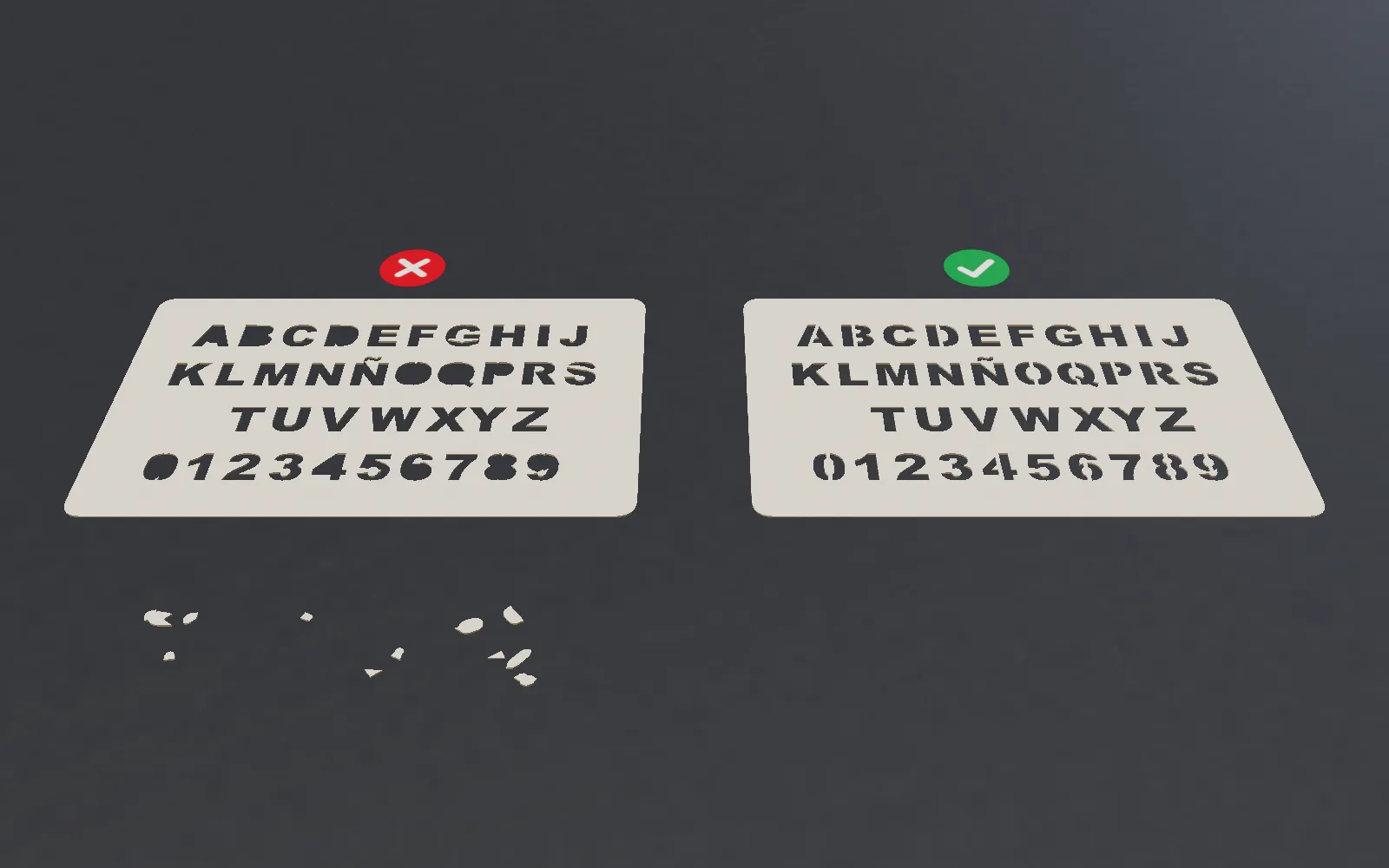
StencilVector solves this automatically. The tool detects every island in your design and generates optimized bridges, then runs a structural stability analysis to verify everything stays connected when cut. You can also adjust bridges manually with the built-in editing tools.
Creating Digital Stencils with StencilVector
With StencilVector's free Stencil Maker, you can convert any image into a laser-ready stencil in seconds. The tool offers 7 algorithmic conversion methods — from simple threshold to edge detection and sketch — all free to preview, and Smart Auto picks one for you. For complex images, optional AI services can enhance results further.
After conversion, use the built-in eraser, brush, and flood fill tools to refine your stencil. Set precise dimensions in millimeters, then export as SVG for laser cutting or PNG for printing.
Modern Applications
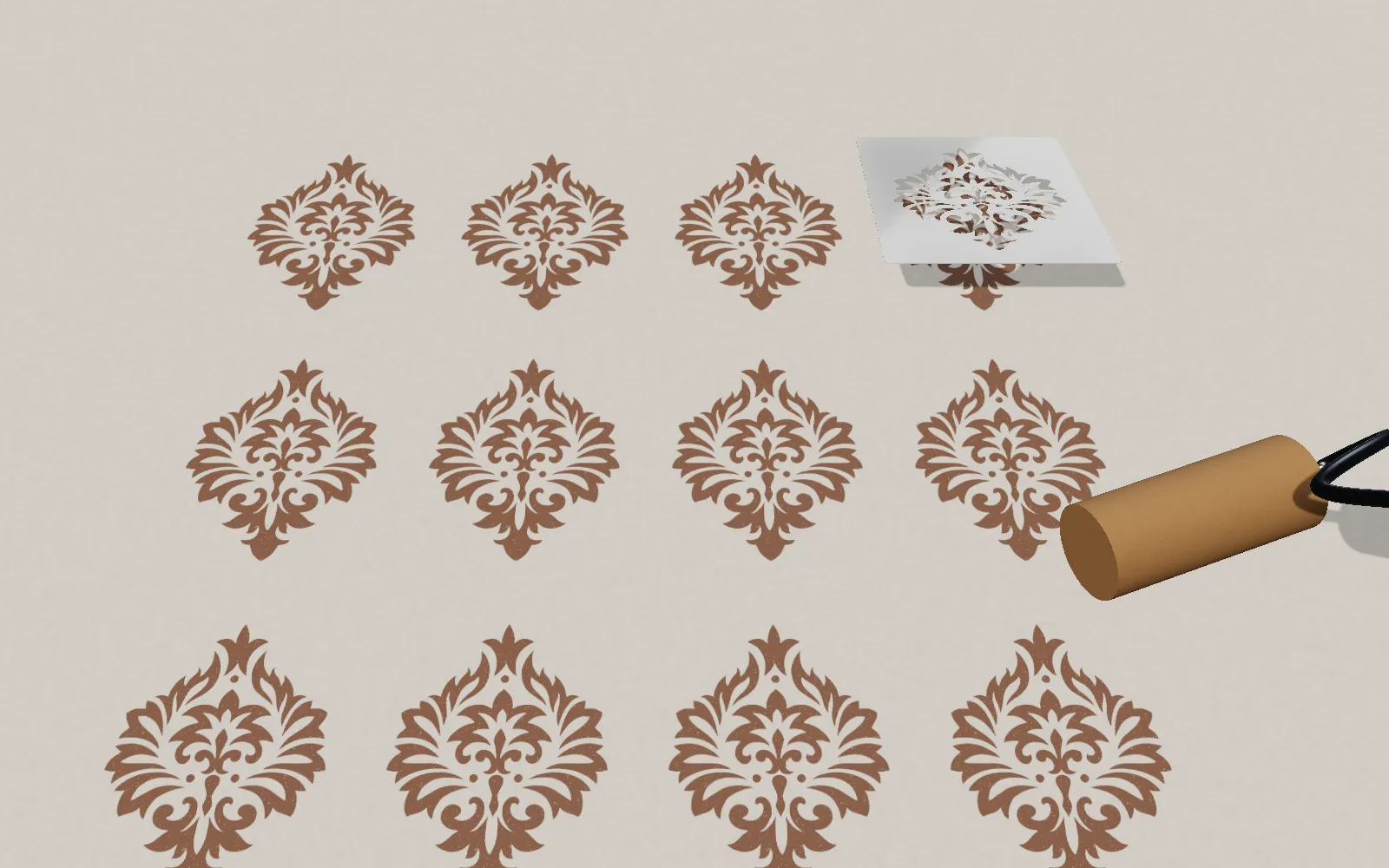
- Street art and murals — Large-scale stencil art on walls and buildings
- Interior design — Decorative walls, furniture, and floors
- Industrial marking — Safety signs, warehouse labels, part numbers
- Electronics — PCB solder paste stencils for surface-mount technology
- Textile printing — Custom fabric patterns and fashion design
- Food decoration — Cake and latte art stencils
- Model making — Hobby, cosplay, and prop building
Getting Started
The easiest way to start is with the free stencil gallery — browse over 1275 ready-made designs and download any SVG instantly. Or upload your own image to the Stencil Maker and create a custom stencil in under 30 seconds. Trying it is free and needs no sign-up; to download the SVG you need a free account and credits.
Related reading: stencil bridge design — what islands and bridges are and where to place them — and how automatic bridge generation works, with the measured numbers.
- stencil
- guide
- basics
Stencil Maker
Ready to create your own stencil?
Upload any image, check the bridges and download a laser-ready file.